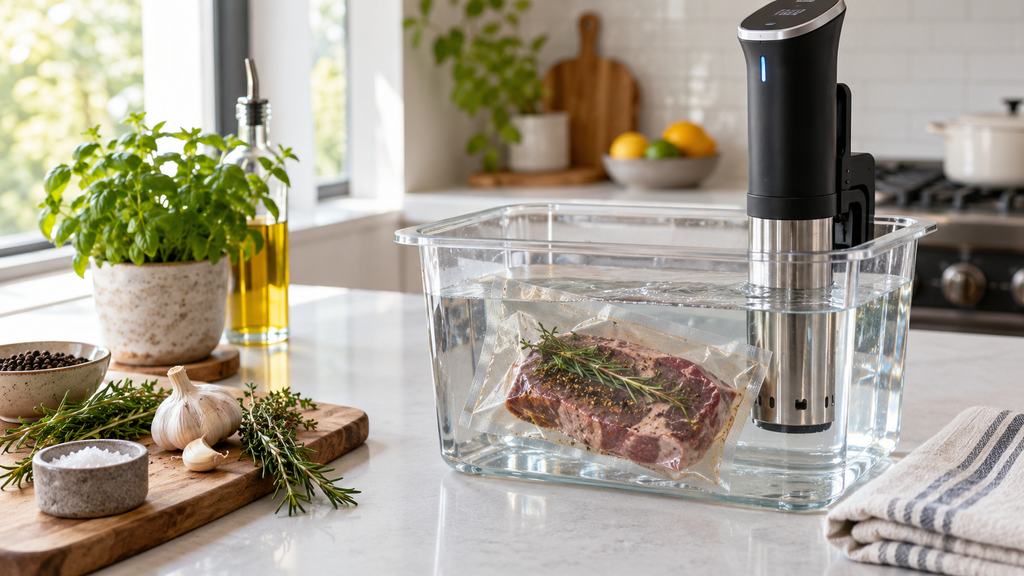
Sous vide display blank, frozen, or showing garbled numbers? The display and touch controls can glitch from a power hiccup or moisture, and a reset clears many of these before you assume the worst.
Here is why the display fails and how to fix it.
This article will teach you:
- Why the display glitches
- How moisture affects it
- What to try first
- When a part has failed
Why the Display Fails
- A power glitch freezing the display.
- Moisture or steam in the control area.
- A drained or faulty touch panel.
- A failed control board.
What You’ll Need
- A dry cloth
- Your owner’s manual
Order the part with confidence
- Guaranteed to fit when you search by model number
- Same-day shipping on in-stock parts
- 365-day returns on any part
- Free tech support before and after you buy
How to Fix a Sous Vide Display
- Reset it. Unplug for a minute, then restore power.
- Dry the controls. Wipe moisture from the display and let it dry fully.
- Avoid steam. Keep the head above the waterline and out of heavy steam.
- Test again. Power up and confirm the display responds.
Pro Tip: Steam rising from an uncovered bath can fog and confuse the touch display over a long cook. Covering the bath and keeping the control head clear of steam prevents many display glitches.
Didn't fix it? Ask a technician on the AppliancePartsPros forum.
Post your model number, the symptom, and what you've already tried. Appliance techs and experienced DIYers answer for free, usually the same day.
Ask the forum →80,000+ solved repair threads · no account needed to readWhen to Look a Little Deeper
Because the display ties to the controls, it helps to check related issues, and reviewing a beeping unit, temperature that reads off, or a unit that will not heat can reveal the cause.
When to Call a Pro
If a reset and drying do not restore the display, the touch panel or board has failed, which usually means replacing the unit.
Related guides
Wrapping Up
A glitchy display is often a reset away. Here’s the recap:
- Unplug and reset.
- Dry the control area.
- Keep it clear of steam.
- Replace the unit if it stays dead.
Reset and dry it first, and the display often recovers. You’ve got this.
Still stuck after this guide?
Two free options: post your model number and symptom on the forum, or search the model number in the shop to see every part that fits.