Press the buttons on your dishwasher and nothing happens, or the lights are frozen and unresponsive? A control panel that will not respond is frustrating, but it often comes down to a simple lock or power glitch rather than a dead part.
Here is how to work from the easy fixes to the deeper ones so you do not replace parts you do not need.
This article will teach you:
- Why a dishwasher control panel stops responding
- The quick resets to try first
- How to check for moisture and connection problems
- When the touchpad or control board needs replacing
Why the Control Panel Stops Responding
Ever notice a little lock icon glowing on the panel? That is the most common reason buttons stop working. Beyond that, the usual causes are:
- Control lock or child lock is switched on, which freezes the buttons on purpose.
- A power glitch has the electronics hung up and needing a reset.
- Moisture or spills on the touchpad make buttons misread or stick.
- A failed touchpad or control board, the parts that read your presses and run the cycle.
What You’ll Need
- Your owner’s manual, to confirm the control-lock button combo
- A soft, dry cloth
- A screwdriver, if you need to open the door panel
How to Fix an Unresponsive Control Panel
Ready? Start with the simplest resets.
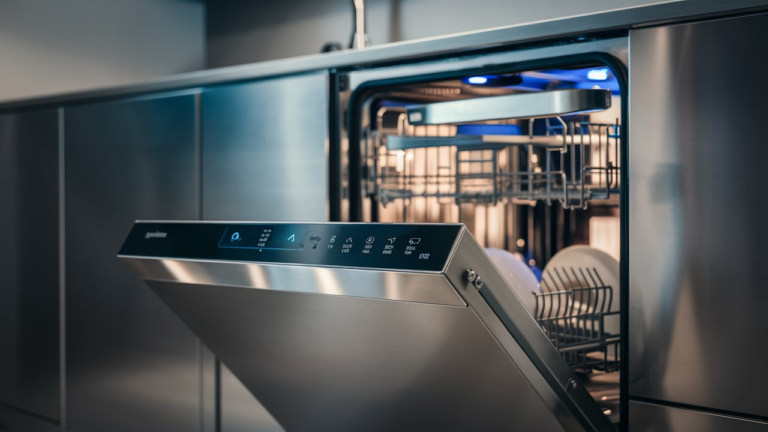
- Turn off the control lock. Hold the lock button (often a padlock icon) for a few seconds, per your manual.
- Reset the power. Switch off the dishwasher at the breaker for one minute, then restore it to clear a hung control.
- Dry and clean the panel. Wipe the touchpad with a dry cloth and check that no button is stuck or sticky.
- Check the ribbon connection. If buttons still fail, open the door’s inner panel and reseat the ribbon cable between the touchpad and control board.
- Test each button to see whether the whole panel or only certain buttons are dead, which points to the touchpad versus the board.
Pro Tip: A one-minute power reset clears a surprising number of frozen panels. Try it before opening the door or ordering any parts.
When to Look a Little Deeper
If only some buttons work, the touchpad is likely failing; if the panel is fully dead, suspect the board. You can replace a GE dishwasher control panel or, when the board itself is the issue, swap the electronic control board. On many models the board work is the same job described in the LG dishwasher control board replacement.
A frozen panel sometimes appears alongside an error code, so check whether yours is flashing something like the Bosch E18 code, and if the screen is blank rather than locked, the issue may be no power at all.
When to Call a Pro
If resetting, drying, and reseating the ribbon do not help and you are not comfortable replacing the touchpad or board, a technician can confirm which part failed and swap it safely.
Related guides
- Dishwasher Pump Hums or Buzzes? What It Means and How to Fix It
- Step-by-Step Guide to Replacing Your Bosch Dishwasher Power Cord
Wrapping Up
An unresponsive dishwasher panel is often a lock or a glitch, not a broken machine. Here’s the short version:
- Turn off the control lock.
- Reset the power for a minute.
- Dry the panel and reseat the ribbon cable.
- Replace the touchpad or board only if buttons stay dead.
Start with the resets and you will often have it back in minutes. You’ve got this.
With the cause confirmed, order the dishwasher control board parts for your exact model and keep the old part until the repair has passed a full cycle.