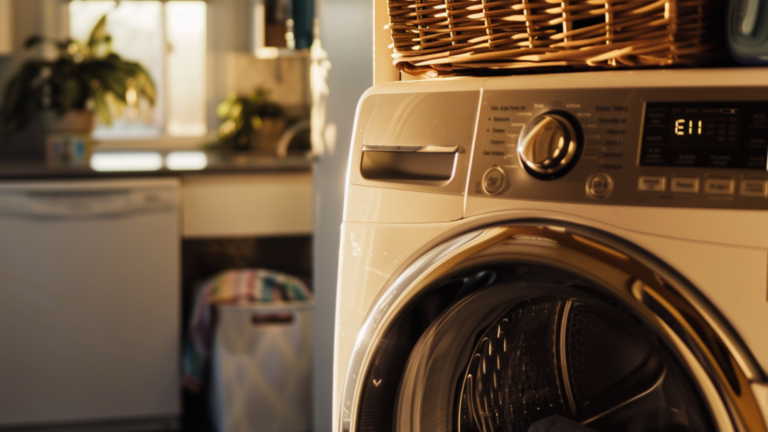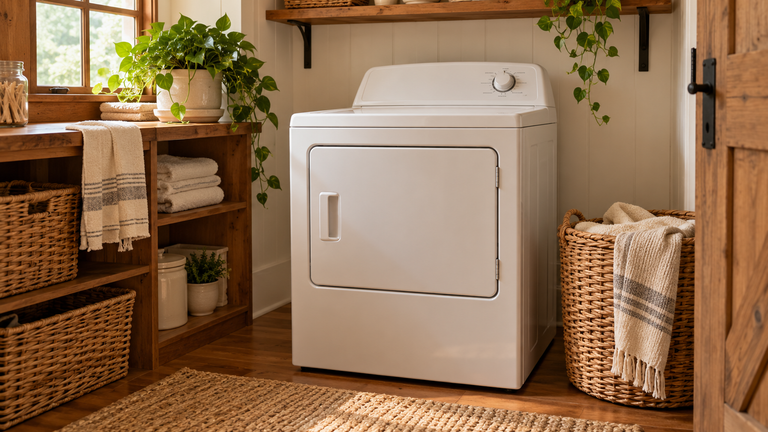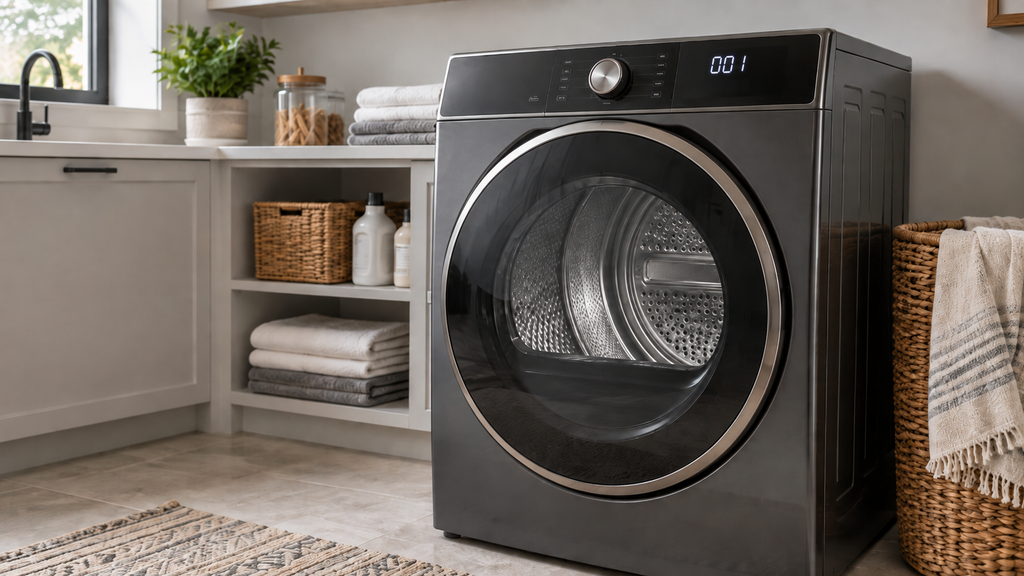
GE dryer error codes 001 and 003 point to a problem in the inlet thermistor circuit. This guide explains what the codes mean and how to inspect the circuit safely.
The exact layout and test values can differ by model. The model tag and manufacturer service information should guide access, part selection, and meter settings before any panel is removed.
It also covers basic dryer troubleshooting and dryer maintenance.
What to Know About Dryer
This problem usually has a short list of practical causes. Checking them in order helps separate a setup issue from a failed part or damaged connection.
Safety Precautions
- Always power off and unplug your appliance or switch off the circuit breaker before attempting any maintenance or replacement work. This keeps you safe by preventing any risk of injury from electric shock.
- Wear insulated work gloves to protect your hands from sharp metal parts, pinching hazards and debris.
- Take your time and don’t rush while working to prevent accidents and personal injuries.
- Work in a well-lit area so you can clearly see and access the interior parts.
- Clear your workspace of clutter and other obstacles. Keep children and pets away from the work area.
- Never work on internal parts with wet hands. Make sure the work area is completely dry.
- Check your user manual to see if there are specific installation or safety instructions for your part or appliance.
- Be gentle when handling or removing parts. Excessive force might damage the appliance or cause injury.
- Wear safety glasses when working with chemicals, dust or cleaning large debris to prevent injury.
- If the appliance has recently been used, give it plenty of time for any heating parts to cool down before working on it.
- Take pictures or make a note of wiring terminals or other connections before disconnecting to prevent any problems with reassembly.
- When working with wires, avoid touching any exposed wires or terminals. If you need to touch a wire, use a non-conductive tool or wear insulating gloves to prevent electrical shock.
Order the part with confidence
- Guaranteed to fit when you search by model number
- Same-day shipping on in-stock parts
- 365-day returns on any part
- Free tech support before and after you buy
Error Code 001: Abnormally Low Resistance
When error 001 appears, the control board detects resistance that is far below the expected values. The board believes inlet temperatures are exceeding normal limits.
- If the thermistor itself has failed, its internal components may be shorted. This leads to resistance dropping exponentially.
- Damage like hairline cracks or corroded connectors can impact the sensor’s readings.
- Faulty thermistors will typically show resistance values under 500 ohms at room temperatures.
- Shorts between harness wires or to the ground can cause abnormal resistance drops.
- Loose, corroded, or damaged terminals will also skew resistance levels.
- Routing that differs from the wiring diagram can introduce interference and shorts.
- Inlet thermistor operation.
To understand inlet thermistor issues, first review the part’s normal operation:
- The inlet thermistor is located on the rear duct of the dryer. It is often covered by a red plastic housing.
- This is a resistive-style temperature sensor. As surrounding air temperatures rise or fall, the thermistor’s electrical resistance decreases or increases.
- The main control board supplies 5V DC through the thermistor’s wiring harness. By measuring subtle voltage drops, the board can determine air temperature.
- Typical room temperature resistance falls between 10k ohms to 15k ohms. Values double with each 20°F drop in temperature.
- The control board uses air inlet readings to properly time heating element cycles. This maintains ideal drum temperatures up to 175°F.
- If the inlet temperature climbs over 190°F, the thermistor triggers the cycling of the high-limit thermostat to prevent overheating damage.
How to Troubleshoot the Dryer
Now let’s walk through detailed troubleshooting steps for an 001 error code:
Safely Accessing the Inlet Thermistor
- Begin by unplugging the dryer and using proper lockout/tagout procedures. Exposure to live voltages is extremely dangerous.
- Carefully remove any housing panels necessary to access the rear of the dryer.
- Locate the inlet thermistor on the sheet metal rear duct. Follow the red plastic wire cover to the sensor.
Testing the Thermistor with a Multimeter
- With power locked out, detach the thermistor’s wiring harness from the main control board. Never test resistance through the board.
- Set your multimeter to the resistance function and an appropriate range for the expected 10k to 100k ohm readings.
- Touch the probe tips to the thermistor’s two wire terminals and take note of the measurement.
- Refer to the resistance vs. temperature chart in the factory service manual as needed. Resistance should match room temperature.
- Significantly low readings under 500 ohms indicate a defective inlet thermistor that requires replacement.
Inspecting the Thermistor Wiring
- If resistance is normal, the issue lies with the wiring harness.
- Visually inspect along the wire’s full length looking for breaks, chafing damage or loose connectors.
- Use the multimeter to check continuity through each wire segment and junction. Any opens will be revealed.
- Verify that the wiring matches the factory wiring diagram. Incorrect routing can lead to shorts.
- Carefully inspect where wires enter the thermistor and control board for secure fit and no corrosion.
Final Repairs and Testing
- If the thermistor tests defective, order and install the exact OEM replacement part. Never attempt repair of the sensor itself.
- If wiring harness damage was found, repair or replace the harness as needed. Use heat shrink splices at any joints.
- Securely reconnect the thermistor wires, close up the dryer, plug it in, and confirm the 001 error code no longer appears during a full cycle.
- If the code persists, the last possibility is a failure of the main control board, which would then need replacement.
Didn't fix it? Ask a technician on the AppliancePartsPros forum.
Post your model number, the symptom, and what you've already tried. Appliance techs and experienced DIYers answer for free, usually the same day.
Ask the forum →80,000+ solved repair threads · no account needed to readError Code 003: Abnormally High Resistance
- An open circuit or break within the device causes resistance values to climb very high, into the 1 to 5 megaohm ranges.
- Any corrosion or damage to the thermistor’s wiring connectors can impact continuity and resistance.
- Open connections or broken wires in the harness can also lead to abnormal resistance spikes.
- Intermittent shorts when wires flex could even cause this code.
- Again, incorrect routing leading to opens in the wiring will be revealed through resistance testing.
How to Troubleshoot the Dryer
Testing Resistance with a Multimeter
- With power disconnected, detach the thermistor wiring harness plug. Never test resistance through the control board.
- Use your multimeter to check thermistor resistance compared to expected values based on room temperature.
- Unusually high readings over 1 million ohms indicate a damaged inlet thermistor that requires replacing.
Checking the Thermistor Wiring
- If resistance is normal, focus on the wire harness.
- Inspect the harness length for any damage, loose plugs, or poor connections.
- Verify continuity through each wire segment with your multimeter to find opens.
- Double-check that the harness routing aligns with the wiring diagram. Any errors can cause intermittent continuity issues.
Final Repair Steps
- If defective, install a new OEM inlet thermistor. Never attempt repair of the sensor itself.
- Make any needed wiring harness repairs found during testing. Use heat shrink splices for secure connections.
- Reconnect all wiring, restore power, and test operation for several full cycles. Error 003 should no longer appear.
- If the code persists, the main control board itself will need to be replaced. This is a last resort.
Quick Checks Before Replacing a Part
- Confirm the exact appliance model before buying any replacement part.
- Check the power supply, plug, breaker, and control settings before opening the cabinet.
- Look for a loose connector, blocked vent, dirty filter, or obvious physical damage first.
- Write down every symptom and error code so the diagnosis stays focused.
- Review the manufacturer instructions because access steps and test values can vary by model.
Common Diagnosis Mistakes
- Replacing a part before testing it can add cost without correcting the original fault.
- Skipping a power check can hide a tripped breaker, damaged cord, or loose outlet connection.
- Testing resistance through a connected control board can produce a misleading meter reading.
- Forcing a panel or connector can create fresh damage that complicates the repair.
- Reassembling without photos or labels can lead to crossed wires and misplaced fasteners.
When Professional Help Makes Sense
- Stop when the repair requires live voltage testing and the safe method is unfamiliar.
- Arrange service when wiring is burned, insulation is melted, or arcing marks are present.
- Use a qualified technician for refrigerant, gas, sealed-system, or high-voltage microwave work.
- Ask for help when the appliance must be moved or lifted beyond safe personal limits.
- Schedule service when the same fault returns after every listed check has passed.
Closing Thoughts
A careful check of the dryer can reveal a simple cause before a costly part is ordered. Model-specific information and one test at a time keep the work clear. Professional service is practical when the repair moves beyond familiar tools or training.
Once you know which part failed, find the matching dryer thermistor parts by model number so the replacement fits the first time.
Related guides
- Understanding and Fixing the F3E2 Error Code on Your Maytag Dryer
- Fixing Restricted Airflow: A Guide to an AF Error Code in Your Maytag Dryer
Still stuck after this guide?
Two free options: post your model number and symptom on the forum, or search the model number in the shop to see every part that fits.