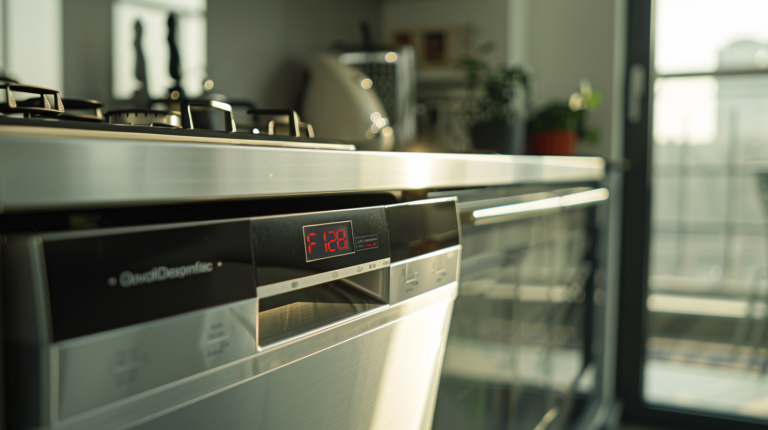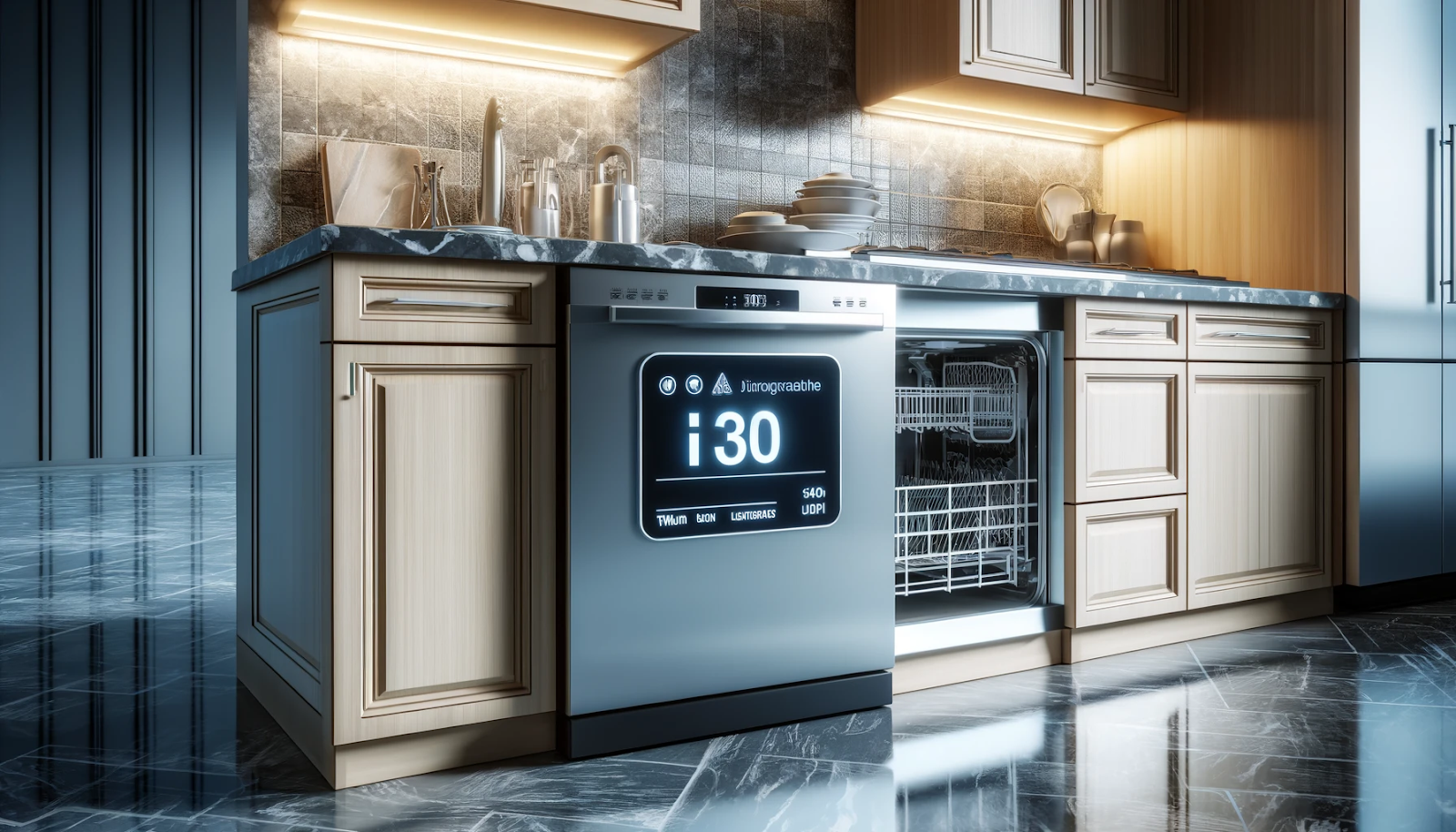
Seeing an i30 error code on your Electrolux dishwasher? This frustrating error indicates a water leak in the appliance’s base, triggering the flood protection system. Before panic sets in, take a deep breath – the situation is fixable with some troubleshooting.
Carefully inspect hoses and seals for damage, dry the inside base, and check for clogs. With patience and the proper safety precautions, you can likely resolve the issue yourself and avoid an expensive repair call. Though trial and error may be required, this straightforward guide will equip you to tackle the i30 error head-on and get your dishwasher draining properly again.
What Causes the i30 Error and What Does It Mean?
The i30 error code on your Electrolux dishwasher indicates a water leak or overflow in the bottom pan. This error can happen for several reasons, and it’s important to understand what’s causing it to fix the problem properly.
i30 Error Code Indicates a Water Leak or Overflow in the Bottom Pan
When you see the i30 error code on your dishwasher’s display, it means that there’s too much water accumulating in the bottom pan or tray of the appliance. This excess water can cause damage to the dishwasher’s internal components if left unchecked, so it’s crucial to address the issue as soon as possible.
Reasons for Water Accumulation in the Bottom Pan
There are several potential reasons why water may be accumulating in the bottom pan of your dishwasher, leading to the i30 error code. Let’s explore these reasons one by one:
- Water Tank Overflow: Sometimes, the water tank in your dishwasher may overflow, causing excess water to spill into the bottom pan. This can happen due to a faulty water inlet valve or a problem with the water level sensor.
- Defective Drain Pump: The drain pump is responsible for removing water from the dishwasher after the wash cycle is complete. If the drain pump is defective or not working correctly, water can accumulate in the bottom pan.
- Faulty Seal: Your dishwasher has various seals and gaskets that prevent water from leaking out of the appliance. If any of these seals are worn or damaged, water can escape and accumulate in the bottom pan.
- Defective Main Control Board: The main control board is the brain of your dishwasher, controlling all its functions. If this board is faulty or malfunctioning, it may cause issues with the water management system, leading to water accumulation in the bottom pan.
- Bad Wire Harness: The wire harness is a bundle of wires that connects the various components of your dishwasher to the control board. If this harness is damaged or has loose connections, it can cause communication issues, potentially leading to water leaks and the i30 error code.
Can you relate to any of these potential causes? Maybe you’ve noticed water on the floor near your dishwasher or heard unusual noises coming from the appliance. It’s essential to identify the root cause of the i30 error to ensure a proper fix and prevent further damage to your dishwasher.
Safety Precautions
Before attempting to troubleshoot or repair your Electrolux dishwasher, it’s crucial to prioritize your safety. Working with electrical appliances can be dangerous if you’re not careful, so it’s essential to take the necessary precautions to avoid potential harm. Let’s go through some important safety measures you should follow.
1. Power Off and Unplug the Appliance
The first and most important step is to turn off the power to your dishwasher. Locate the power switch or button and ensure it’s in the off position. Once you’ve done that, unplug the appliance from the electrical outlet. This simple step will eliminate the risk of electric shock while you’re working on the dishwasher.
2. Allow the Appliance to Cool Down
If you’ve recently run a wash cycle, it’s wise to let the dishwasher cool down before you start working on it. Some internal components can become extremely hot during operation, and touching them can lead to burns. Give the appliance sufficient time to cool off and avoid any unnecessary injuries.
3. Turn Off the Water Supply and Keep Towels Ready
Since you’ll be dealing with water leaks or overflows, it’s a good idea to turn off the water supply to your dishwasher. This will prevent any additional water from entering the appliance while you’re working on it. Also, keep some towels handy to clean up any spills or excess water you may encounter.
4. Work in a Well-lit Area and Keep Your Workspace Clear
Good lighting is essential when working on appliances, as it allows you to see everything clearly and identify potential issues more easily. Additionally, make sure your workspace is free of clutter and obstacles. This will prevent you from tripping or knocking over tools or parts while you’re working.
5. Handle Parts Gently and Wear Protective Gear
When disassembling or handling internal components, be gentle and careful. Some parts may be delicate or fragile, and rough handling could cause damage. Additionally, consider wearing insulated work gloves and safety glasses or a dust mask to protect yourself from any sharp edges or debris.
6. Take Photos, Make Notes, and Consult the User Manual
Before disconnecting any wires or removing components, take photos or make notes of the existing setup. This will help you remember how everything is connected and make reassembly easier. It’s also a good idea to consult your dishwasher’s user manual for any specific instructions or guidelines related to repairs or maintenance.
By following these safety precautions, you can minimize the risks associated with troubleshooting and repairing your Electrolux dishwasher. Remember, your safety should always be the top priority. If you’re ever unsure or uncomfortable with any step, it’s best to seek professional assistance to avoid potential harm or further damage to the appliance.
How to Troubleshoot the i30 Error Code
Now that we’ve covered the necessary safety precautions, let’s dive into the steps to troubleshoot and resolve the i30 error code on your Electrolux dishwasher. Follow these steps carefully, and you’ll be well on your way to fixing the issue.
1. Unplug the Dishwasher and Wait 10 Minutes Before Reconnecting
Sometimes, the i30 error code can be resolved by simply resetting the dishwasher’s control board. To do this, unplug the appliance from the electrical outlet and wait for about 10 minutes. This will allow the control board to reset itself and potentially clear the error code.
2. Check if the Error Code is Still Displayed
After waiting for 10 minutes, reconnect the dishwasher to the power source. Once it’s powered on, check if the i30 error code is still displayed on the control panel. If the error code is gone, great! You’ve resolved the issue. If not, don’t worry – we’ll move on to the next steps.
3. Lean the Dishwasher Back to Check for Water in the Bottom Tray
If the i30 error code persists, it’s time to investigate further. Carefully lean the dishwasher back to gain access to the bottom tray or pan. Be cautious when doing this, as the appliance may be heavy, and you don’t want to strain yourself or cause any damage.
4. Tilt the Unit Back and Remove the Adjustment Screw
With the dishwasher leaned back, locate the adjustment screw at the bottom. This screw secures the bottom panel or tray in place. Using the appropriate screwdriver, remove the adjustment screw and set it aside in a safe place.
5. Release the Snaps Holding the Bottom Tray and Lift It Out
Once the adjustment screw is removed, you should be able to release the snaps or clips that hold the bottom tray in place. Gently lift the tray out and set it aside. This will give you better access to inspect the internal components for any signs of water leaks or damage.
6. Inspect the Drain Hose, Drain Pump, and Circulation Pump for Leaks
With the bottom tray removed, you can now visually inspect the drain hose, drain pump, and circulation pump for any signs of leaks or damage. Look for cracks, holes, or loose connections that may be causing water to escape and accumulate in the bottom pan.
7. Check for Water Overflowing from the Water Tank and Clear Any Blockages
Next, check the water tank or reservoir for any signs of overflow or blockages. If the water level is too high or there are any obstructions preventing proper water flow, this could be the cause of the i30 error code. Clear any blockages or debris you find, and ensure the water level is at the correct level as per the manufacturer’s instructions.
8. Check Wire Harnesses for Damage or Loose Connections
While you have the dishwasher open, take a closer look at the wire harnesses that connect the various components to the control board. Check for any signs of damage, such as frayed or exposed wires, or loose connections that may be causing communication issues.
9. Reattach All Panels and Covers After Repairs
Once you’ve inspected and repaired any issues you’ve found, it’s time to reassemble the dishwasher. Carefully reattach the bottom tray, ensuring all snaps or clips are securely in place. Then, reattach any other panels or covers you may have removed during the troubleshooting process.
10. Reconnect the Dishwasher and Monitor for the Error Code
Finally, reconnect the dishwasher to the power source and turn it on. Monitor the control panel to see if the i30 error code reappears. If it does, you may need to consider replacing some components or seeking professional assistance.
Remember, troubleshooting can be a process of trial and error, so don’t get discouraged if you don’t find the solution right away. Stay patient, follow the steps carefully, and don’t hesitate to seek help if needed.
Related guides
Conclusion
If you encounter the i30 error code on your Electrolux dishwasher, don’t hesitate to refer back to this article for guidance. We’ve provided a comprehensive step-by-step approach to troubleshooting the issue, from checking for water leaks to inspecting internal components.
While troubleshooting can sometimes be a process of trial and error, this article equips you with the knowledge and practical steps to identify and potentially resolve the i30 error code. If you find yourself feeling unsure or overwhelmed at any point, don’t hesitate to seek professional assistance from a qualified appliance repair technician.
Remember, a little bit of troubleshooting and maintenance can go a long way in extending the lifespan of your appliances and saving you money in the long run. With the right approach and a bit of patience, you can often resolve issues like the i30 error code and get your dishwasher back in working order.
The last step is the part itself: match a dishwasher control board parts to your model number rather than to a photo or a part name.