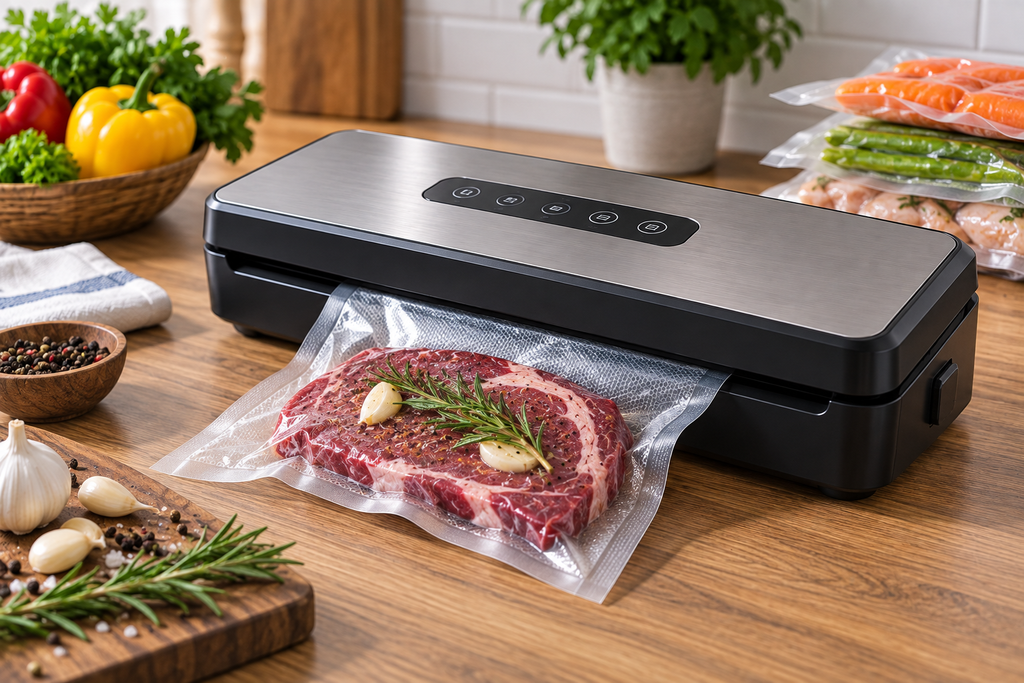
Sealer getting hot and refusing to run after a big batch? Most home sealers are built for short bursts, not continuous use, so overheating usually just means it needs a rest, not a repair.
Here is why a sealer overheats and how to fix it.
This article will teach you:
- Why sealers overheat
- What a duty cycle is
- What to do first
- When a part has failed
Why the Sealer Overheats
- Sealing many bags in a row past its duty cycle.
- No cooling time between seals.
- Blocked vents on the unit.
- A stuck seal element.
What You’ll Need
- Your owner’s manual
Order the part with confidence
- Guaranteed to fit when you search by model number
- Same-day shipping on in-stock parts
- 365-day returns on any part
- Free tech support before and after you buy
How to Fix an Overheating Sealer
- Rest between seals. Wait the recommended seconds between bags.
- Batch in groups. Seal a handful, then let it cool before more.
- Clear the vents. Keep the unit’s vents unobstructed.
- Let it reset. If it shut off, wait for the thermal cutoff to reset.
Pro Tip: Home sealers have a duty cycle, often around 20 to 30 seconds of rest between seals. Sealing a huge batch nonstop overheats the element, so pace the work in small groups.
Didn't fix it? Ask a technician on the AppliancePartsPros forum.
Post your model number, the symptom, and what you've already tried. Appliance techs and experienced DIYers answer for free, usually the same day.
Ask the forum →80,000+ solved repair threads · no account needed to readWhen to Look a Little Deeper
Because heat ties to the seal bar, it helps to check those, and reviewing a sealer that melts bags, a weak pump, or the seal bar can reveal the cause.
When to Call a Pro
If it overheats quickly even with rest and clear vents, the thermal control has failed, which usually means replacing the sealer.
Related guides
Wrapping Up
Overheating usually means too many bags too fast. Here’s the recap:
- Rest between seals.
- Seal in small batches.
- Clear the vents.
- Let it cool and reset.
Pace the batch, and the sealer keeps up. You’ve got this.
When the test points to the part, shop vacuum parts for your model and confirm the fit with the full model number before ordering.
Still stuck after this guide?
Two free options: post your model number and symptom on the forum, or search the model number in the shop to see every part that fits.