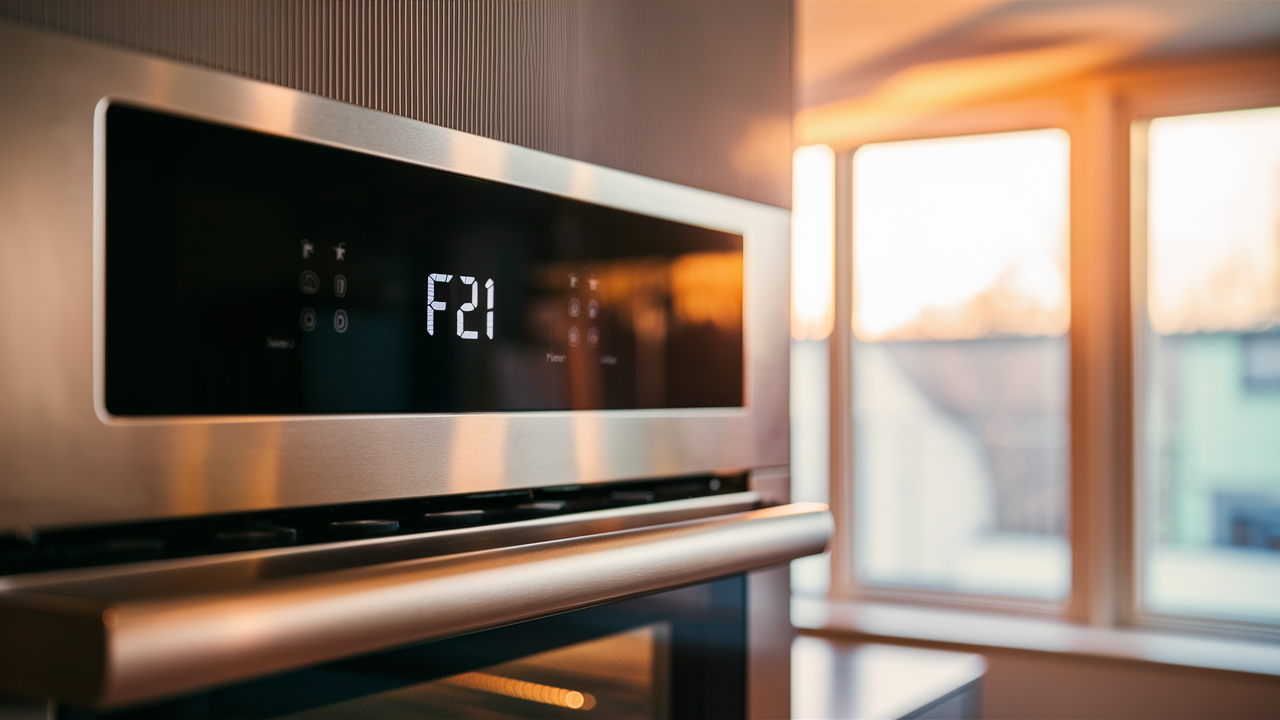
Seeing an F21 error code appear on your Frigidaire wall oven? This commonly indicates an issue with the oven’s temperature sensor that prevents accurate baking and cooking. Fortunately, the problem can often be fixed yourself safely at home without an expensive technician visit. This article will walk you through simple troubleshooting steps like inspecting sensor connections, testing parts with a multimeter, evaluating control boards, and more. Follow along to get your oven heating properly again, understand potential causes better, and pick up some helpful appliance safety reminders along the way.
Understanding the F21 Error Code
When your Frigidaire electric wall oven displays an F21 error code, it means there is a problem with the electronic control boards. Knowing what these control boards do will help you troubleshoot the issue.
Electric ovens have two main circuit boards – the main control board and the auxiliary board. What does each one do?
The Main Control Board
The main control board is the brain of your oven. It controls:
- The display panel
- All the oven functions like bake, broil, and self-clean
- The temperature regulation
- Internal components like heating elements, fans, and door locks
So when you set a baking temperature or start the self-cleaning cycle, you’re telling the main control board what to do. It then communicates with the other components to make the oven work.
The Auxiliary Board
While the main board controls everything, the auxiliary (or I/O) board is more limited. It handles:
- Some of the buttons on the display panel
- The interior oven light
- Diagnostic functions and error code displays
It passes information between you, the display, and the main control board.
Does this make the auxiliary board less important? Not at all! Both boards work together to operate the oven.
What Does F21 Mean?
The F21 code means there’s an issue with the wires between the main and auxiliary boards. When these boards can’t communicate properly, many oven functions will fail.
For example, F21 errors often affect baking and roasting. The boards can’t coordinate the temperature regulation components. So the oven may heat incorrectly or not at all.
Staying Safe During Appliance Repairs
Working on kitchen appliances can be dangerous if proper precautions aren’t taken. Before tackling any oven repair, keep these safety tips in mind:
Power Down Completely
This is rule number one! Unplug the oven or shut off the circuit breaker before doing any work. Live electricity poses serious risks of shock and electrocution. Don’t take chances – make sure the power is completely off.
Give It Time To Cool
Some repairs require accessing the interior oven cavity. After baking or self-cleaning cycles, the oven may still be scorching hot. Allow hours for the oven to cool to room temperature before working inside. Protect your hands with insulated gloves when needed.
Caution With Parts and Tools
- Work slowly and carefully to avoid accidents.
- Handle parts gently to prevent damage.
- Keep your workspace free of clutter and trip hazards.
- Consider wearing safety glasses to protect your eyes.
- Use care when testing live voltage with a multimeter.
Rushing increases the chances of personal injury or damage to the appliance.
Review Safety Information
Always check the user manual and follow all instructions related to installation and repairs. The manual provides warnings for your specific model. Some repairs may require extra safety steps, like wearing a dust mask.
Ensure a Safe Workspace
Only do repairs in a dry area with good lighting and ventilation. Wet, dark, or crowded spaces create hazards. Make sure you have enough clear, well-lit room to work in safely.
Order the part with confidence
- Guaranteed to fit when you search by model number
- Same-day shipping on in-stock parts
- 365-day returns on any part
- Free tech support before and after you buy
Troubleshooting the F21 Error Step-by-Step
Diagnosing an F21 error code requires methodically testing components like the wiring harness and control boards. Let’s go through each troubleshooting step in detail:
Step 1 – Thoroughly Inspect the Wiring Harness
The wiring harness is the bundle of wires that connects the main and auxiliary control boards. Loose or damaged harness connections can disrupt communication between the boards and cause an F21 display.
To inspect the harness:
- Locate the circuit breaker box and turn off the breaker for the oven. This ensures no live power while you work.
- Unplug the oven from the electrical outlet as well. Double check it by turning on the oven light – it should not turn on if unplugged.
- Carefully pull the oven away from the wall to access the back service panel.
- Using a Phillips screwdriver, remove the service panel screws. Set the panel and screws aside so they won’t get lost.
- Locate the wiring harness. It will have multiple plugs and terminals connected to the boards.
- Check each harness connection for looseness by giving a gentle tug. Any loose plugs should be tightened.
- Inspect for external damage like burnt/melted wires or cracked plug housings. The wires should be flexible and free of cracks.
- Use a multimeter on the continuity setting to check each individual wire terminal in the harness. You should get a solid continuity reading.
- If any wires are open or reading intermittently, the harness is likely damaged and needs replacement. Contact the manufacturer for a replacement part.
Did you find physical damage or continuity issues with the harness? If so, replacing it should resolve the F21 code. Let’s move on to testing the auxiliary board.
Step 2 – Test the Auxiliary Control Board
If the wiring harness checks out fine, a defective auxiliary board could be the culprit instead. Follow these steps to test it:
- Ensure the oven is unplugged and the circuit breaker is off before proceeding.
- Remove any screws or brackets securing the auxiliary board in place.
- Gently disconnect all the wiring harnesses plugged into sockets on the board.
- Carefully remove the board from the oven without bending or damaging it.
- Closely examine both sides of the board for any signs of physical damage. Look for burnt or cracked areas.
- Also check for corrosion, water damage, or debris on the board that could cause a short.
- If the board looks damaged, replacement is likely your fix for the F21 error.
- If it visually looks okay, use a multimeter to check for proper incoming voltage from the main board. Consult your manual for specific voltage ranges, but ~110VAC is typical.
- If incoming voltage is unstable or nonexistent, then the main control board could instead be the issue. Voltage problems point to a bad main board.
- With good voltage but no physical auxiliary board damage, a new auxiliary board replacement should resolve the error.
By carefully checking all harness wiring and both control boards, you should be able to diagnose the root of an F21 error. Take your time and work safely.
Also Read: Resolve the F9 Error Code on Your Frigidaire Oven
Related guides
- Resolve the F2E0 Error Code on Your Whirlpool Oven with These Tips
- GE Electric Range Bake Element Troubleshooting & Replacement
Didn't fix it? Ask a technician on the AppliancePartsPros forum.
Post your model number, the symptom, and what you've already tried. Appliance techs and experienced DIYers answer for free, usually the same day.
Ask the forum →80,000+ solved repair threads · no account needed to readWrapping Up the F21 Repair
We’ve covered a lot of ground troubleshooting an F21 error code. Let’s recap the key takeaways:
- F21 means the oven’s control boards can’t communicate due to a wiring issue. This affects baking and roasting.
- Always disconnect power before repairs for safety. Allow the oven to fully cool.
- Methodically inspect the wire harness connections and the harness itself for damage. Replace if needed.
- Test the incoming voltage to the auxiliary board. If good, replace the board.
- If the voltage is unstable, the main control board may need replacing instead.
- Work slowly and double-check your tests. Rushing leads to mistakes.
- Follow all precautions and manual instructions to ensure a safe repair.
- If needed, don’t hesitate to call in a technician for assistance. Safety is most important.
We hope these troubleshooting steps give you the confidence to tackle an F21 error on your Frigidaire oven. Remember to always focus on working safely, and don’t force anything that seems stuck.
Once you know which part failed, find the matching range oven parts by model number so the replacement fits the first time.
Still stuck after this guide?
Two free options: post your model number and symptom on the forum, or search the model number in the shop to see every part that fits.