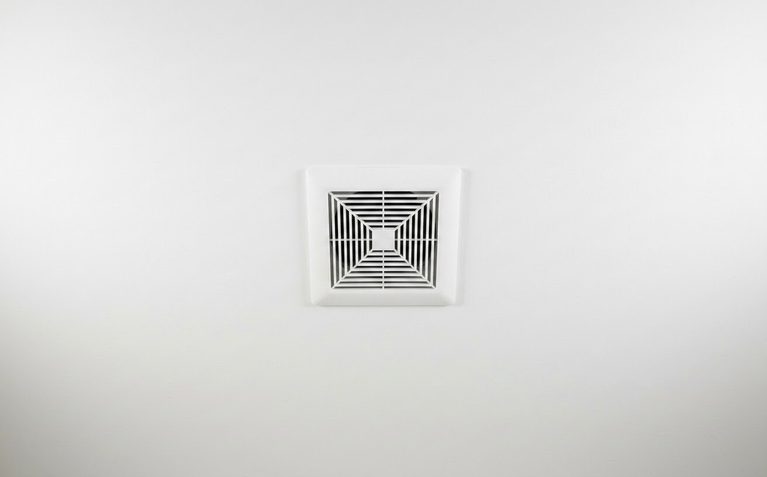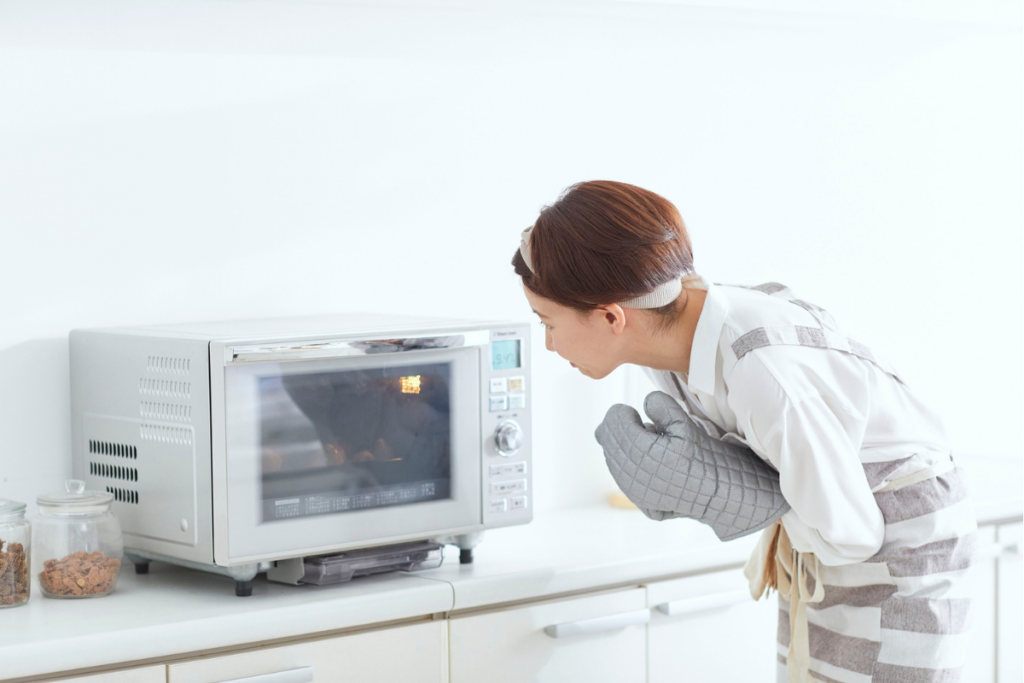
Your microwave exhaust fan does a lot of quiet work every day. It pulls smoke away from your stovetop, clears out steam from boiling pots, and keeps cooking smells from spreading through your home. When your microwave fan is not working properly, you notice it fast. The air gets heavy, smells linger, and grease starts building up where it should not.
The good news? Many of the most common microwave exhaust fan problems are things you can check yourself at home. You do not always need to call a repair service right away. With a little patience and the right steps, you can often find the cause and fix it on your own.
What the Microwave Exhaust Fan Does
Most over-the-range microwaves have two fans inside. The exhaust fan is the one that vents air from your cooking area. The cooling fan keeps the microwave’s internal parts from overheating during cooking. These are two different systems.
Your exhaust fan either sends air outside through a duct or recirculates it back into the kitchen through filters. Knowing which setup you have matters when diagnosing microwave vent fan issues. If your microwave recirculates air, it uses both a grease filter and a charcoal filter. If it vents outside, it connects to a duct that leads through a wall or ceiling.
Signs Your Microwave Exhaust Fan May Be Failing
How do you know the fan is the problem? Look for these signs:
- The fan does not turn on at all
- The fan turns on but airflow feels weak
- You hear the fan running but air does not move
- The fan only works on one speed
- The fan stopped working suddenly with no warning
- The fan keeps running long after you stop cooking
Each symptom points to a different possible cause. That is why noticing the exact problem helps you narrow things down faster.
Safety First Before You Start Diagnosing
Before you touch anything inside or around your microwave, please stop and think about safety. Microwaves contain electrical parts that can hold a dangerous charge even when they are off.
Here are the basic safety steps to follow:
- Unplug the microwave from the wall outlet if you can reach it safely
- Switch off the circuit breaker if unplugging is not possible
- Wait for surfaces to cool before touching anything
- Never open the high-voltage section of the microwave
This microwave fan repair guide is meant for visual checks and basic maintenance. Anything involving internal wiring or electrical parts should be handled by a trained technician.
Tools and Supplies That May Help
You do not need a toolbox full of gear. Most checks only require a few simple items:
- A flashlight
- A screwdriver
- A soft cloth
- Mild degreaser or dish soap
- A replacement grease filter
- A step stool
- Your microwave’s user manual
Keep your manual nearby. It will tell you your specific model’s filter type, fan settings, and vent setup.
1. The Grease Filters Are Clogged
This is the most common cause of a microwave fan not working well. Grease filters sit at the bottom of the microwave and catch oil and debris from your cooking. Over time, they get completely packed with grease.
When filters are clogged, air cannot pass through. You might think the fan is weak, but really, it is just blocked.
Signs of clogged grease filters:
- Weak suction even on high speed
- Cooking smells that will not go away
- Visible grease and dark buildup on the filter surface
How to check:
- Slide or pop out the grease filters from the bottom of the microwave
- Hold them up to the light and look for heavy buildup
- If they are dark and coated, wash them in hot soapy water or replace them
Clean your grease filters at least once a month if you cook often.
2. The Charcoal Filter Needs Replacement
If your microwave recirculates air instead of venting it outside, it also uses a charcoal filter. This filter traps odors before the air goes back into your kitchen. Unlike grease filters, charcoal filters cannot be washed. They must be replaced.
A saturated charcoal filter blocks airflow just like a clogged grease filter. Check your manual to find out how often to replace it. Most manufacturers recommend every six to twelve months, depending on how much you cook.
3. The Fan Blade Is Dirty, Obstructed, or Damaged
Grease and dust can build up on the fan blades themselves. This extra weight slows the blade down and reduces airflow. Sometimes a small piece of debris gets inside and jams the blade entirely.
Signs of a blade problem:
- Buzzing or rattling sound when the fan runs
- Uneven spinning or vibration
- Very poor airflow even with clean filters
If you can safely access the fan area, use a flashlight to look for visible buildup or anything stuck in the blades. Clean the blades gently with a damp cloth. If a blade is cracked or bent, it will need to be replaced.
5. The Damper Is Stuck or Blocked
The vent damper is a small flap that opens when the fan runs and closes when it stops. It keeps outside air and pests from coming in through the vent. If the damper gets stuck shut due to grease buildup or improper installation, air cannot escape even when the fan is running.
Signs of a damper problem:
- Fan noise with almost no airflow
- Strange flapping sounds
- Backdraft smell coming through the vent
Check whether the damper flap opens freely. Clean off any grease that may be holding it shut.
5. The Vent Duct Is Blocked or Poorly Installed
Sometimes the problem is not inside the microwave at all. It is in the ductwork. A blocked or poorly installed duct can make it seem like your microwave fan stopped working, even when the motor is running fine.
Common duct problems:
- Crushed or kinked flexible ducting
- Heavy grease buildup inside the duct
- A long or winding duct path that reduces airflow
- Loose connections between sections
- A blocked exterior vent cap
Walk over to where the duct exits your home. Is the vent cap open? Is it covered by a bird nest or debris? A blocked exterior vent is an easy fix that many people overlook.
6. The Fan Motor Is Failing
The fan motor is what makes the blades spin. Over years of use, motors wear out. A failing motor is a more serious problem than a clogged filter, but it is still diagnosable.
Signs of motor trouble:
- Humming sound but no blade movement
- A burning smell when the fan runs
- Fan starts and then stops on its own
- Grinding or scraping sounds during operation
Motor replacement is not a beginner task. If you suspect the motor is the issue, it is a good time to consider calling a repair technician.
Cause 7. The Fan Switch, Control Board, or Wiring Has a Problem
If your fan button does nothing, or if the fan only works sometimes, the problem might be electrical. Common fault points include:
- A worn-out fan switch
- A faulty touchpad or control panel
- Loose or damaged wiring connections
- A failing electronic control board
These issues can be tricky to diagnose without experience. If you have already ruled out filters, ducts, blades, and the damper, this is likely where the problem lives. At this stage, professional service is usually the safest path.
Before You Go
Most microwave vent fan issues come from something simple: dirty filters, blocked ducts, or a stuck damper. Start with the easiest checks first and work your way through the list. You may find the fix before you ever need to pick up the phone.
If you do reach the point where wiring or motor work is needed, do not hesitate to call a technician. Knowing when to stop is just as important as knowing how to start. Take it one step at a time, stay safe, and you will have a much clearer picture of why your microwave fan is not working and what to do next.
With the cause confirmed, order the microwave parts for your exact model and keep the old part until the repair has passed a full cycle.