

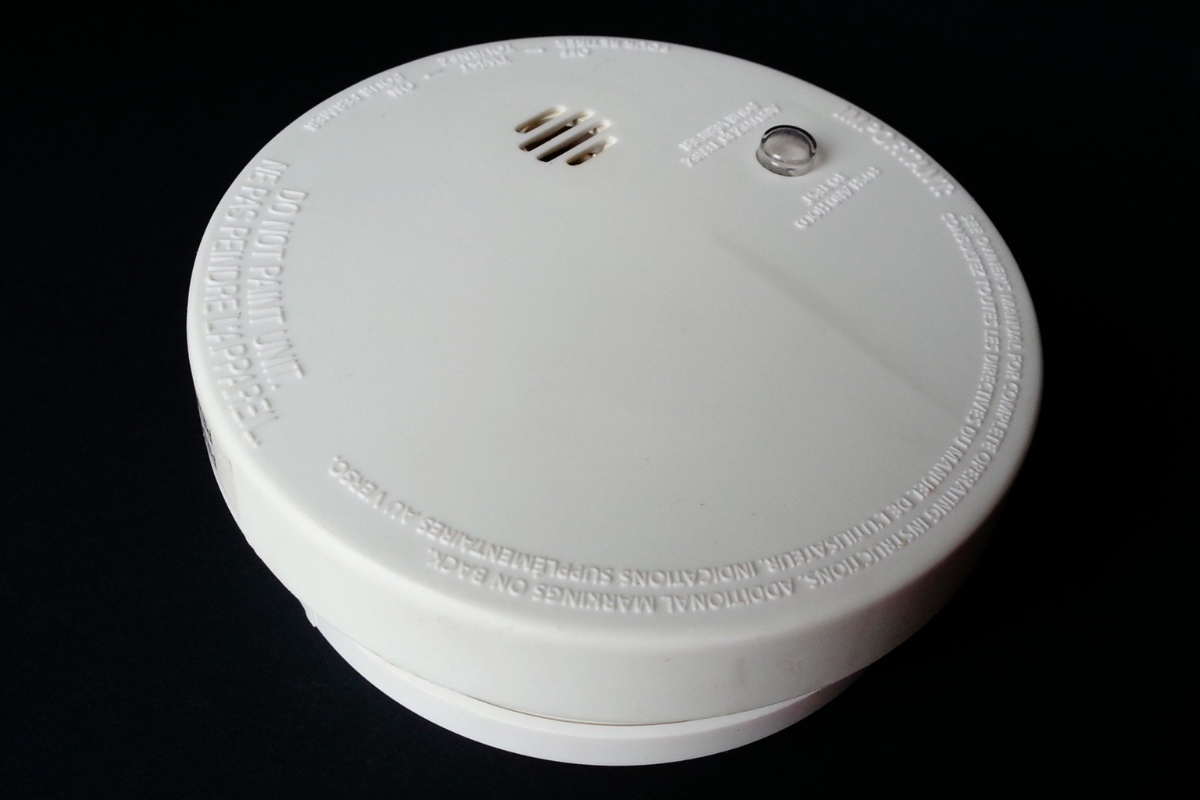
Is your alarm panel chirping every few minutes or flashing a low-battery light? That is your system asking for a fresh battery, and it is an easy fix you can handle yourself.
A home alarm only protects you when it has power, so home alarm system battery replacement is one of the most important little jobs on your home-safety list. The good news: once you know which battery to grab and how to swap it safely, the whole thing takes just a few minutes.
This article will teach you:
- The signs your alarm battery is dying
- The types of batteries a home alarm uses
- How to replace the battery without setting off a false alarm
- How often to check and replace it
Signs Your Home Alarm Battery Is Low
Ever wonder why your panel beeps for no clear reason? A low battery is the usual cause. Watch for these signs:
- Chirping or beeping – a short chirp every minute or so is the classic low-battery warning.
- A “low battery” or “trouble” light on the keypad or panel.
- A sensor that drops offline or stops reporting to the panel.
- The system will not hold power during a short outage.
Types of Batteries in a Home Alarm System
Most systems use more than one kind of battery, so it helps to know which one is asking for attention.
- Control panel backup battery – a rechargeable battery (often a sealed 12-volt pack) that keeps the system running if the power goes out.
- Sensor batteries – small batteries inside door, window, and motion sensors. These are usually coin cells or AA or AAA, depending on the sensor.
- Keypad or keyfob batteries – small cells that power your wireless keypad or remote.
Your owner’s manual will list the exact battery type and part number for each piece, so check it before you buy a replacement.
What You’ll Need
- The correct replacement battery for your panel or sensor (check the manual)
- A small screwdriver to open the panel or sensor housing
- Your alarm system’s user code
Warning: If your system is professionally monitored, call or message your monitoring company and put the system in test mode first. Opening a panel or pulling a battery can send a tamper or alarm signal and trigger a costly false dispatch.
How to Replace a Home Alarm System Battery
Ready? Work through these steps in order.
- Notify your monitoring company and place the system in test mode so you do not trigger a real alarm.
- Disarm the system with your code.
- Find the battery. For a chirping panel, open the control box. For a single sensor, open that sensor’s cover.
- Note the orientation of the old battery, then disconnect or remove it.
- Install the new battery, matching the type and the positive and negative terminals exactly.
- Close everything up and secure the cover or panel.
- Restore power and let a rechargeable backup battery charge fully, which can take several hours.
- Test the system and confirm the trouble light is gone, then take it out of test mode with your monitoring company.
Pro Tip: Snap a quick photo of the wiring or battery position before you remove anything. It makes putting the new one in foolproof.
How Often Should You Replace It?
A few simple habits keep your system dependable:
- Backup panel battery – plan to replace it every 3 to 5 years, sooner if you see low-battery warnings.
- Sensor and keypad batteries – check yearly and replace as needed, often every 1 to 2 years.
- After any long outage – confirm the backup battery still holds a charge.
Battery care is just one part of a dependable setup. If you are expanding your system, here is home security system installation in six easy steps, and while you are at it, it is worth reviewing smoke detector placement for maximum safety.
Keep the Whole System in Shape
Fresh batteries keep your alarm alert, and a little upkeep keeps the rest working too. Clear cameras matter as much as a charged panel, so add home security camera lens cleaning to your routine.
Wrapping Up
Replacing a home alarm battery is quick once you know the steps. Here’s the short version:
- Notify your monitoring company and use test mode.
- Find the right battery and match the type and terminals.
- Swap it, close up, and restore power.
- Test the system and clear the trouble light.
Stay on top of those low-battery chirps and your home stays protected around the clock. You’ve got this.