

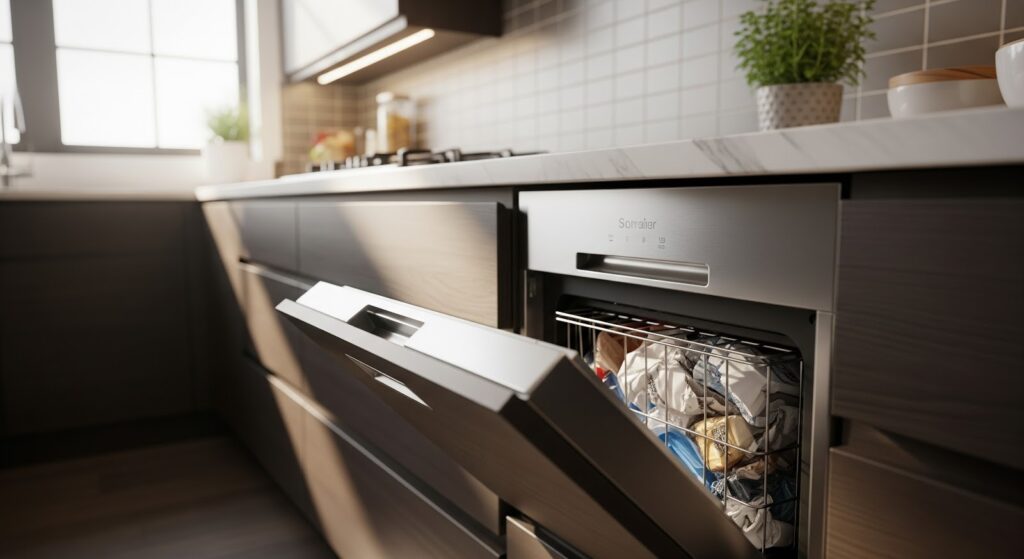
A faulty foot pedal on your KitchenAid trash compactor can make it difficult to open the drawer. With just a few tools and this clear, step-by-step guide, you can replace the foot pedal kit 882657 yourself and restore smooth operation to your appliance.
What the Foot Pedal Does
The foot pedal on a trash compactor functions as the drawer’s unlocking mechanism. When pressed down, it lifts and releases the drawer, allowing easy access.
Over time, regular use or accidental impact can cause the pedal to break or become unresponsive. Fortunately, replacing it is a simple repair that takes only a few minutes and requires basic tools.
How to Identify When the Foot Pedal Needs Replacement
Recognizing the signs of a worn or broken foot pedal can help you act before the issue worsens. Look for these indicators:
- The drawer does not unlock when pressing the pedal.
- The pedal feels loose, stiff, or detached.
- Visible cracks or damage are present on the pedal or hinge area.
- The drawer must be lifted manually to open.
- The pedal produces a grinding or clicking sound when pressed.
- The compactor door fails to close properly after use.
If one or more of these issues occur, it is time to replace the foot pedal kit 882657.
What You’ll Need
Gather the following items before starting:
- Phillips screwdriver – used to remove and reinstall screws.
- Pliers – useful for gripping or bending small parts and wires.
- Flashlight – helps illuminate dark areas inside the appliance.
- Safety gloves – protect your hands from sharp edges and debris.
Safety Precautions
Keep safety at the forefront whenever working on an appliance. Follow these tips to complete the job safely:
- Unplug the compactor or switch off the power at the circuit breaker before beginning.
- Allow the appliance to cool completely if it was recently used.
- Work carefully and take your time to prevent accidents and injuries.
- Use good lighting so you can see all components clearly.
- Keep the workspace clear of clutter, and keep children and pets away.
- Avoid moisture and make sure your hands and the work area are dry.
- Check the user manual for any model-specific safety notes or installation details.
- Handle parts gently to avoid bending or breaking them.
- Wear insulated gloves to protect your hands from metal edges.
- Use safety glasses or a dust mask if working in a dusty environment.
How to Replace Foot Pedal Kit on a KitchenAid, Whirlpool, or Maytag Trash Compactor
Here are the steps to replace the foot pedal kit and restore proper operation of your trash compactor.
Preparation
- Turn off the trash compactor and disconnect it from the power source.
Remove the Drawer
- Press down on the foot pedal and pull out the drawer.
- Lift the front of the drawer up by the handle until it goes over the drawer stops.
- Take the drawer by the sides and remove it completely from the compactor.
Remove the Old Foot Pedal
- Place the drawer on its back on a flat, stable surface.
- Use a Phillips screwdriver to remove one screw from each side of the old foot pedal.
- Detach the old foot pedal from the drawer.
Install the New Foot Pedal
- Remove the actuator switch from the old pedal.
- Install the actuator switch onto the new foot pedal.
- Align the new foot pedal in position on the drawer.
- Secure the new foot pedal using the two Phillips screws provided in the kit.
Reinstall the Drawer and Test
- Place the drawer upright and slide it back onto the tracks in the compactor.
- Close the drawer completely.
- Press down on the foot pedal to check that the drawer opens properly.
- If everything works correctly, plug the trash compactor back in or turn the power on at the circuit breaker.
Common Mistakes to Avoid During Replacement
Avoiding simple errors can save time and prevent damage. Keep these points in mind while working:
- Do not skip unplugging the appliance before starting.
- Avoid forcing parts apart, as this can bend or crack components.
- Keep screws organized to avoid confusion during reassembly.
- Avoid touching electrical connections with metal tools.
- Do not overtighten screws, as this can strip threads or damage plastic parts.
- Take note of how the original pedal and spring are positioned before removal.
- Refrain from using unapproved replacement parts that may not fit your model.
Also Read: How to troubleshoot a trash compactor that starts but doesn’t compact trash properly
Maintenance Tips for Longer Pedal Life
Once your new foot pedal kit is installed, regular care can help it last longer. Follow these simple maintenance habits:
- Clean the pedal and the surrounding area regularly to prevent debris buildup.
- Avoid stepping too forcefully on the pedal.
- Wipe away spills immediately to prevent corrosion or sticking.
- Check for loose screws or worn components every few months.
- Keep the compactor track and rollers free of dirt or hardened residue.
- Lubricate the moving metal joints occasionally with a light appliance-safe oil.
- Store heavy or sharp items away from the foot area to prevent accidental damage.
Next Steps
Your KitchenAid trash compactor is ready to go again, and all it took was a few minutes of simple work. Replacing the foot pedal might seem like a small fix, but it makes a big difference in how smoothly your compactor runs every day. Taking a little time to maintain it now can save you from bigger issues later.
If your compactor ever starts acting up again, you’ll know exactly what to do. Keep your tools handy, stay safe while working, and remember that a quick DIY repair can bring your appliance back to life faster than you think.