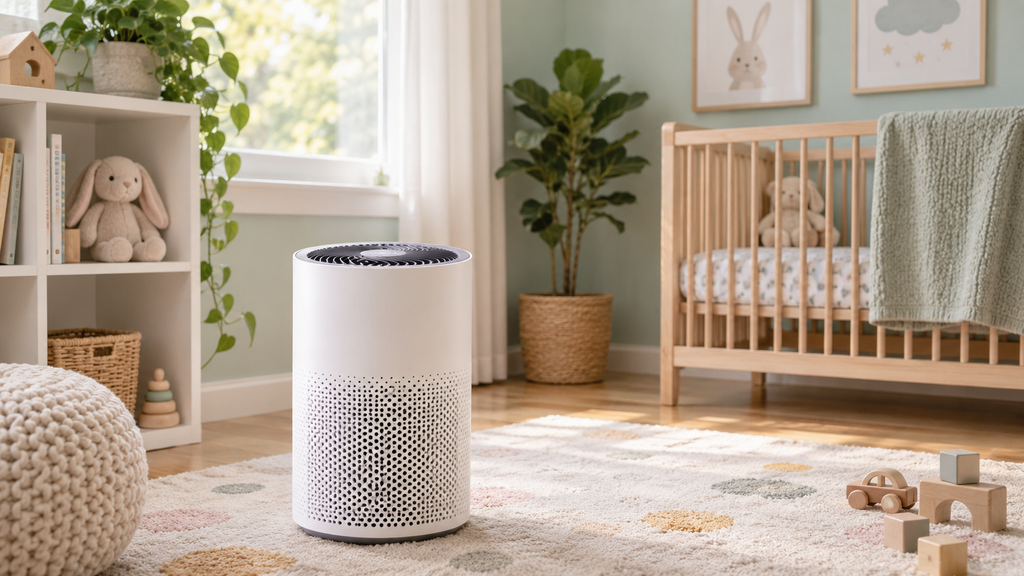
Auto mode blasting on high in a clean room, or barely running when the air is clearly dusty? Auto mode relies on the air-quality sensor, so odd behavior almost always traces back to the sensor rather than the fan.
Here is why auto mode misbehaves and how to fix it.
This article will teach you:
- How auto mode decides fan speed
- Why it behaves oddly
- What to clean first
- When to use manual mode
Why Auto Mode Misbehaves
- A dirty air-quality sensor feeding bad data.
- Placement near a kitchen triggering on cooking smoke.
- High humidity that some sensors misread.
- A sensitivity setting set too high or low.
What You’ll Need
- A cotton swab and compressed air
- Your owner’s manual
Order the part with confidence
- Guaranteed to fit when you search by model number
- Same-day shipping on in-stock parts
- 365-day returns on any part
- Free tech support before and after you buy
How to Fix Auto Mode
- Clean the sensor. Dust the air-quality sensor, the usual cause.
- Move the unit. Keep it away from stoves and steamy spots.
- Adjust sensitivity. Set the sensor sensitivity if your model allows.
- Use manual mode. Switch to a set speed if auto keeps misjudging.
Pro Tip: Nine times out of ten, erratic auto mode is a dusty sensor, not a broken fan. Clean the sensor first before changing any other setting.
Didn't fix it? Ask a technician on the AppliancePartsPros forum.
Post your model number, the symptom, and what you've already tried. Appliance techs and experienced DIYers answer for free, usually the same day.
Ask the forum →80,000+ solved repair threads · no account needed to readWhen to Look a Little Deeper
Because auto mode depends on the sensors, it helps to check those, and reviewing a dirty sensor, the dust sensor, or a beeping purifier can reveal the cause.
When to Call a Pro
If a clean sensor and good placement still give erratic auto behavior, the sensor module has failed. Running the purifier in manual mode is a fine workaround until you replace it.
Related guides
- Bathroom Fan Light Out: Replacing the Light Assembly
- GE Gas Range Thermostat Replacement: Fix Oven Temperature Issues
Wrapping Up
Auto mode trouble is usually the sensor. Here’s the recap:
- Clean the air-quality sensor.
- Move the unit from steam and smoke.
- Adjust sensitivity if available.
- Use manual mode as a fallback.
Clean the sensor first, and auto mode behaves again. You’ve got this.
Still stuck after this guide?
Two free options: post your model number and symptom on the forum, or search the model number in the shop to see every part that fits.