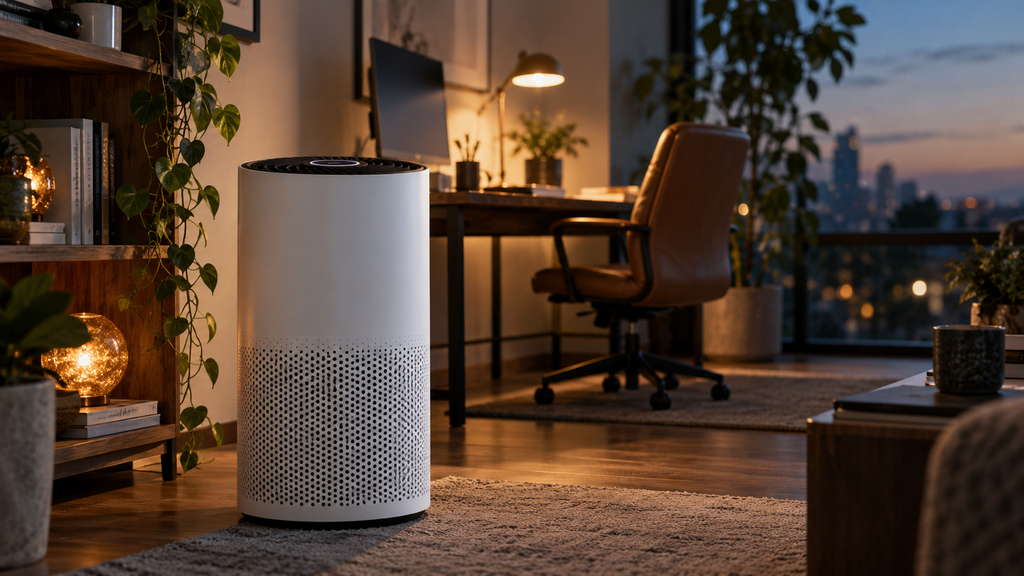
Air purifier stuck showing red or ramping the fan up for no reason? A dirty air-quality sensor is usually behind it. Dust on the tiny optical sensor makes the purifier think the air is dirtier than it is.
Here is how the sensor works and how to clean it.
This article will teach you:
- What the sensor measures
- Why dust throws it off
- How to clean it
- How often to do it
Why the Sensor Misreads
- Dust on the optical sensor lens.
- A blocked sensor intake vent.
- Lint over the sensor opening.
- Humidity fooling some sensors.
What You’ll Need
- A cotton swab
- A soft dry brush or compressed air
- Your owner’s manual
Order the part with confidence
- Guaranteed to fit when you search by model number
- Same-day shipping on in-stock parts
- 365-day returns on any part
- Free tech support before and after you buy
How to Clean the Sensor
- Unplug it. Power down before cleaning the sensor.
- Find the sensor. Locate the small air-quality sensor door on the side.
- Clean gently. Use a dry swab and a puff of air on the lens and vents.
- Test readings. Power up and confirm the readings settle.
Pro Tip: Clean the air-quality sensor every couple of months. It is the most overlooked part of a purifier, and a dusty sensor is the top reason auto mode behaves strangely.
Didn't fix it? Ask a technician on the AppliancePartsPros forum.
Post your model number, the symptom, and what you've already tried. Appliance techs and experienced DIYers answer for free, usually the same day.
Ask the forum →80,000+ solved repair threads · no account needed to readWhen to Look a Little Deeper
Because the sensor drives auto behavior, it helps to check related issues, and reviewing the dust sensor, an auto mode issue, or a bad smell can reveal the cause.
When to Call a Pro
Sensor cleaning is fully DIY. If readings stay wrong after a careful clean, the sensor module has failed and, on most units, means replacing the purifier.
Related guides
Wrapping Up
Odd readings are usually a dusty sensor. Here’s the recap:
- Unplug before cleaning.
- Locate the sensor door.
- Clean the lens and vents gently.
- Clean it every couple of months.
Clean the sensor, and accurate readings return. You’ve got this.
Still stuck after this guide?
Two free options: post your model number and symptom on the forum, or search the model number in the shop to see every part that fits.