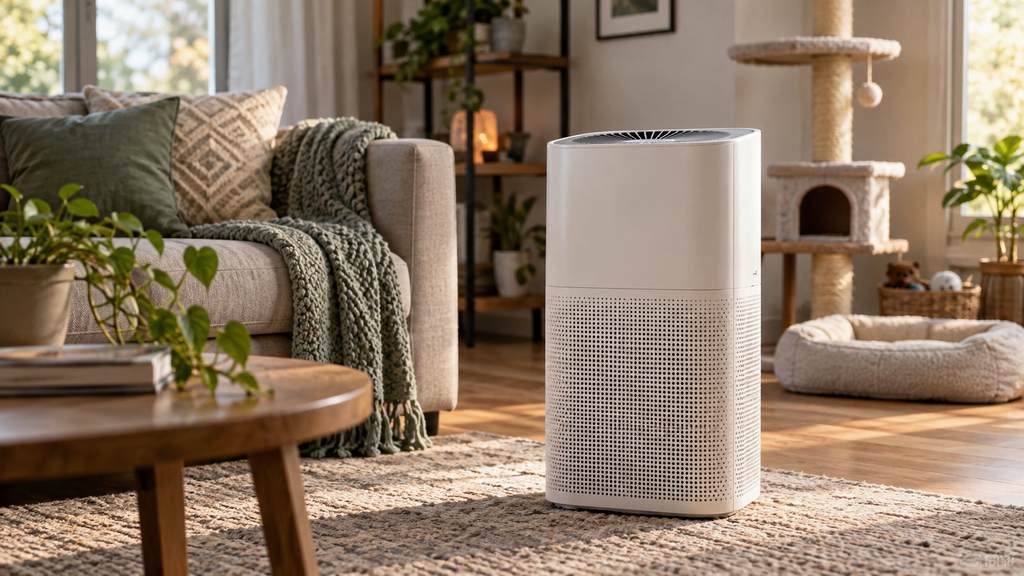
Purifier powered on but no air moving and the fan sitting still? A fan that will not spin either is not getting the go-ahead from the controls or is physically blocked, and both are worth checking before you replace anything.
Here is why the fan will not spin and how to fix it.
This article will teach you:
- What drives the fan
- Why it stops spinning
- What to check first
- When the motor has failed
Why the Fan Won’t Spin
- A panel or filter lock keeping the fan off.
- Debris jamming the fan blades.
- Auto mode reading clean air and idling the fan.
- A failed fan motor.
What You’ll Need
- A soft brush and vacuum
- Your owner’s manual
Order the part with confidence
- Guaranteed to fit when you search by model number
- Same-day shipping on in-stock parts
- 365-day returns on any part
- Free tech support before and after you buy
How to Fix a Fan That Won’t Spin
- Unplug it. Always unplug before reaching near the fan.
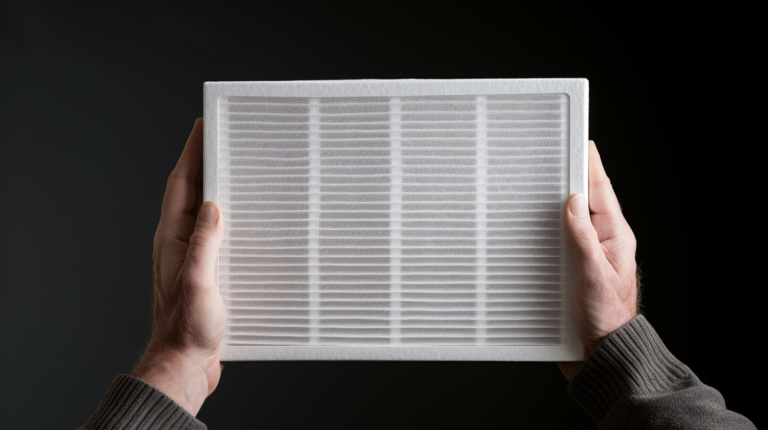
- Seat the panel and filter. Confirm both are installed so the lock is satisfied.
- Clear the blades. Remove dust or debris blocking the fan.
- Switch off auto. Set a manual fan speed to rule out auto mode idling.
Pro Tip: On auto mode, a purifier may leave the fan barely moving when it senses clean air. Switch to a manual high speed to confirm the fan actually works before assuming the motor is dead.
Didn't fix it? Ask a technician on the AppliancePartsPros forum.
Post your model number, the symptom, and what you've already tried. Appliance techs and experienced DIYers answer for free, usually the same day.
Ask the forum →80,000+ solved repair threads · no account needed to readWhen to Look a Little Deeper
Because the fan ties to power and controls, it helps to check those, and reviewing a purifier that will not turn on, a loud purifier, or weak airflow can reveal the cause.
When to Call a Pro
If the locks are satisfied, the blades are clear, and manual mode still leaves the fan still, the motor has failed. Replacement is usually the practical route.
Related guides
- Oscillating Fan Wobbly Base Step-by-Step Repair Guide
- Wine Cooler Thermostat Repair: Step-by-Step Replacement
Wrapping Up
A still fan is usually a lock or auto mode. Here’s the recap:
- Unplug before reaching in.
- Seat the panel and filter.
- Clear the blades.
- Test on manual high speed.
Check the locks and auto mode first, and the fan often spins. You’ve got this.
Still stuck after this guide?
Two free options: post your model number and symptom on the forum, or search the model number in the shop to see every part that fits.