

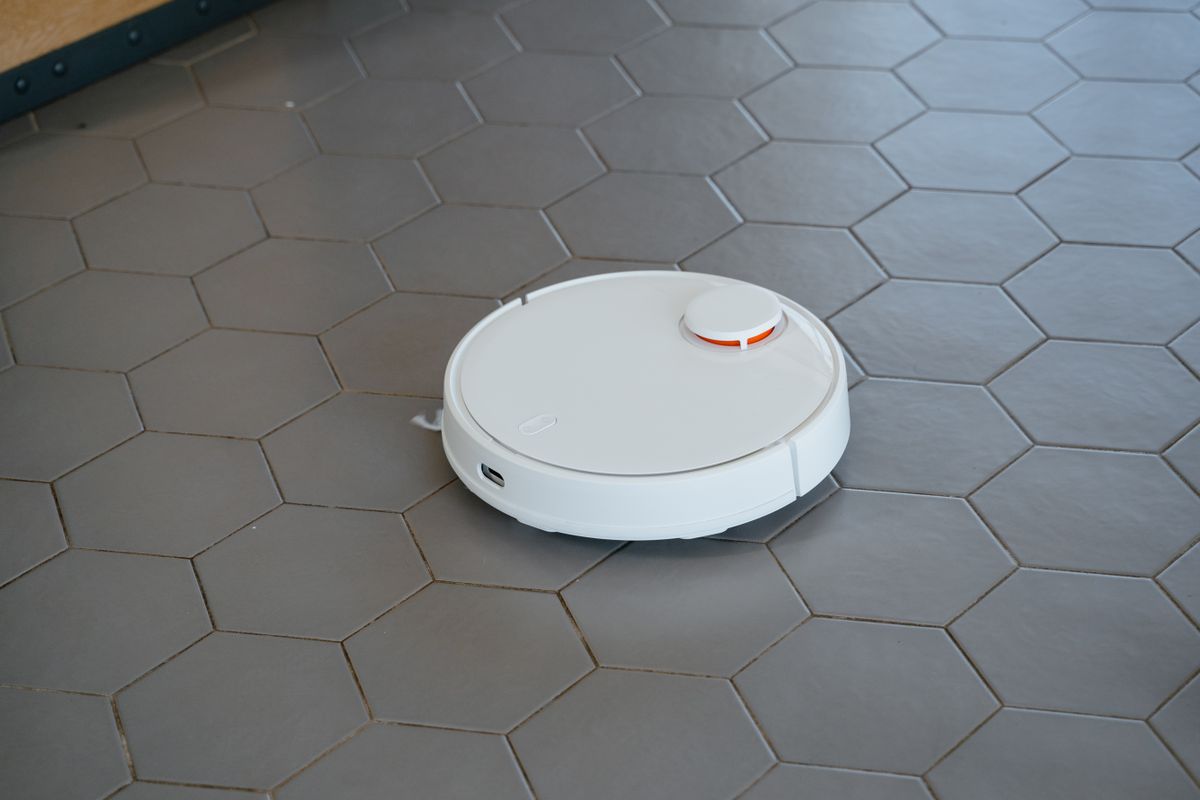
Come home expecting a clean floor and find your robot vacuum dead on its dock? A robot that will not charge is usually failing at the point where it meets the dock, and the fix is often as simple as a quick wipe with a dry cloth.
Here is why a robot vacuum stops charging and how to get it powered again.
This article will teach you:
- Why charging fails at the dock
- How to clean the contacts
- What to check on the dock and outlet
- When the battery is worn out
Why the Robot Vacuum Won’t Charge
Charging depends on clean metal contacts touching the dock. When it fails, the usual causes are:
- Dirty charging contacts on the robot or the dock, coated with dust and film.
- A misaligned dock, so the robot never lines up with the pins.
- A dead outlet or loose adapter feeding the dock.
- A worn battery that no longer holds a charge.
What You’ll Need
- A dry microfiber cloth
- A pencil eraser, for stubborn contacts
- Your owner’s manual
How to Fix a Robot Vacuum That Won’t Charge
Start where charging happens.
- Clean the contacts. Wipe the metal charging pads on the robot and dock with a dry cloth, then buff any film with a pencil eraser.
- Check the outlet. Plug something else into the outlet to confirm it has power, and reseat the dock’s adapter.
- Reposition the dock. Place the dock against a wall with clear space so the robot can align to it.
- Test a manual charge. Set the robot on the dock by hand and confirm the charging light comes on.
Pro Tip: A thin film builds up on the charging contacts over time and blocks the connection. A quick rub with a pencil eraser restores a clean metal surface and fixes many no-charge complaints.
When to Look a Little Deeper
Because charging and cleaning performance both depend on upkeep, it helps to keep the robot maintained, and reviewing how to clean a robot vacuum’s brushes, filters, and sensors keeps it healthy. Power quirks can overlap with a vacuum cleaner with no power or an overheating vacuum.
When to Call a Pro
If the contacts are clean, the outlet works, and the robot still will not charge, the battery or charging board may have failed. Many models use replaceable batteries, but a persistent fault is worth manufacturer support.
Wrapping Up
Most no-charge robot vacuums just need a clean connection. Here’s the recap:
- Clean the charging contacts on robot and dock.
- Confirm the outlet and adapter have power.
- Reposition the dock for a clear approach.
- Replace a worn battery if charging still fails.
Start with the contacts and your robot is often back on schedule fast. You’ve got this.