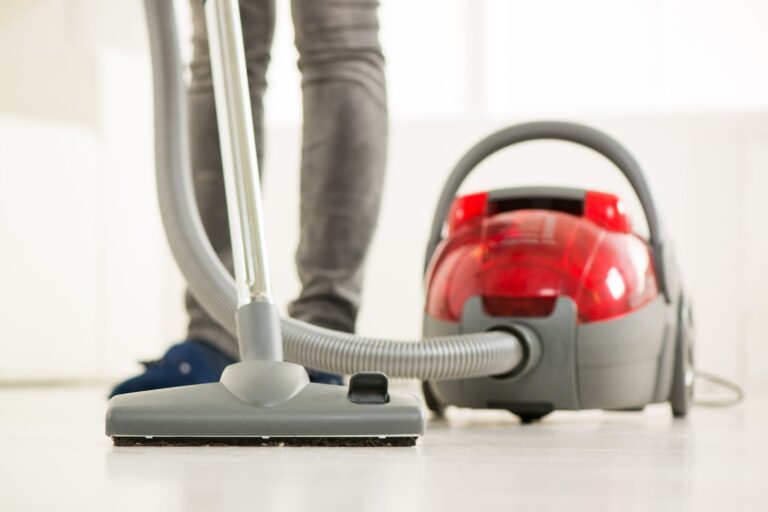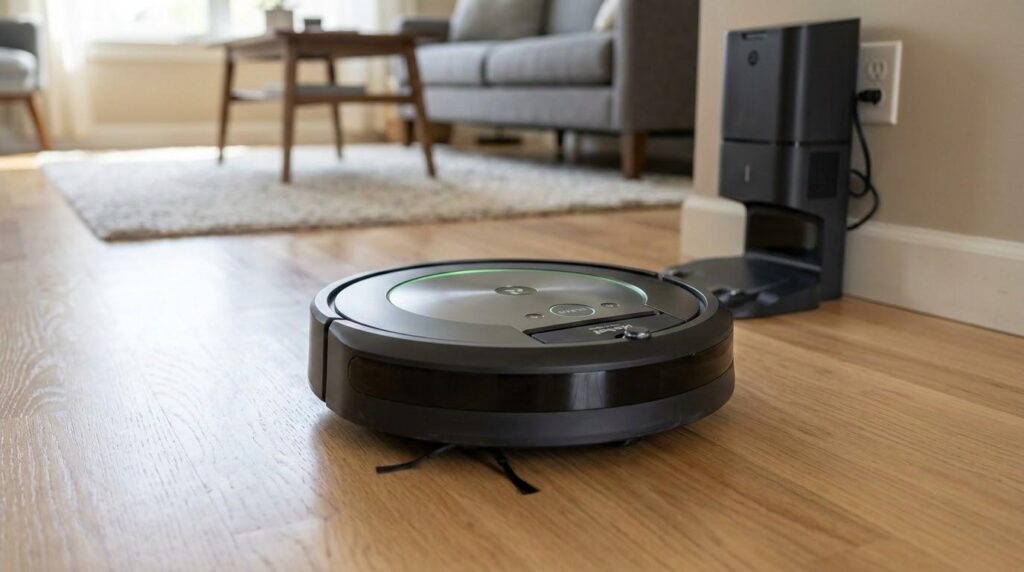
A robotic vacuum can make daily cleaning feel easy. You press a button, and it moves around your home on its own. But have you noticed it does not clean as well as before? Does it leave dust behind or bump into things more often?
This is where maintaining a robotic vacuum becomes important.
Many people only empty the dustbin. That helps, but it is not enough. Brushes, filters, and sensors also need regular care. When these parts get dirty, the vacuum cannot work at its best.
The good news? You can fix most of these issues with simple cleaning. In this guide, you will learn how to clean each part safely and keep your robotic vacuum running strong.
Quick diagnosis table
Most of these fixes take a cloth and a pair of scissors, so try them before ordering parts.
| Symptom detail | Likely cause | What to check | Fix or part |
|---|---|---|---|
| Weak suction, dust left behind | Full filter or dirty brush | Check filter and brush for buildup | Clean filter, clear hair from brush |
| Strange noise while running | Hair wrapped around main brush | Open brush cover and inspect | Cut away hair, check brush spins freely |
| Dirt missed along walls and corners | Dirty or bent side brushes | Look for hair at brush base | Clean, straighten or replace side brushes |
| Bumps into furniture, acts lost | Dusty sensors | Inspect sensors on body and bottom | Wipe with dry microfiber and cotton swabs |
| Will not dock or charge | Dirty charging contacts | Check contacts on robot and dock | Wipe contacts gently |
| Still poor after cleaning | Parts worn out or misplaced | Confirm brush cover secure, filter dry | Restart, replace worn parts |
What Maintaining a Robotic Vacuum Really Means
So what does maintaining a robotic vacuum actually involve?
It means taking care of the parts that help your robot clean and move. It is not just about making it look clean on the outside. It is about helping it work better on the inside.
Proper care helps:
- Keep suction strong
- Help the robot move smoothly
- Prevent small problems from getting worse
- Extend the life of the vacuum
Think about it. If hair is wrapped around the brush, can it spin well? If the filter is full, can air pass through? If sensors are dusty, can the robot “see” properly?
Small issues can turn into big problems. That is why regular care matters.
Why Brushes, Filters, and Sensors Need Regular Cleaning
These three parts do most of the work.
- Brushes pick up dirt, dust, and hair
- Filters trap fine particles and keep the air clean
- Sensors guide the robot around your home
When they get dirty, you may notice:
- Weak suction
- Missed spots
- Strange movement
- More bumping into furniture
- Error messages
Have you ever seen your robot spin in circles or avoid areas for no reason? Dirty sensors could be the cause.
Keeping these parts clean helps your vacuum do its job right.
Tools and Supplies to Prepare Before You Start
Before you begin, gather a few simple tools. This makes the job faster and safer.
Helpful tools:
- Soft microfiber cloth
- Small cleaning brush
- Old toothbrush
- Scissors for cutting tangled hair
- Cotton swabs
- Mild soap and water for washable parts
Avoid using:
- Strong chemicals
- Bleach
- Very wet cloths
- Sharp tools that can damage parts
It is also a good idea to check your vacuum’s manual. Some parts can be washed, while others should stay dry.
Safety Steps Before Cleaning Your Robotic Vacuum
Safety comes first. You do not want to damage your device or hurt yourself.
Follow these steps:
- Turn off the vacuum
- Remove it from the charging dock
- Let it cool down if it was just used
- Work in a bright area
Keep all small parts in one place so nothing gets lost.
How to Clean the Main Brush Safely
The main brush is the part that rolls under the vacuum. It lifts dirt, dust, and hair from the floor.
Signs It Needs Cleaning
- Hair wrapped around it
- Strange noise when running
- Less dirt is being picked up
Step-by-Step Cleaning
- Open the brush cover
- Take out the brush carefully
- Remove hair and threads using your fingers or scissors
- Clean the ends of the brush
- Wipe the inside area where the brush sits
- Put the brush back and make sure it spins freely
Safety Tips
- Do not pull too hard
- Do not cut the bristles
- Make sure the brush is dry before placing it back
Ask yourself, when was the last time you checked your brush? A quick look can make a big difference.
How to Clean Side Brushes Without Damaging Them
Why Side Brushes Matter
Side brushes push dirt from corners and edges into the main path of the vacuum.
Common Problems
- Bent bristles
- Hair stuck at the base
- Poor edge cleaning
Step-by-Step Cleaning
- Remove the side brushes if possible
- Pull off hair and dust
- Wipe with a dry or slightly damp cloth
- Straighten bristles gently
- Attach the brushes back
Safety Tips
- Do not bend bristles too much
- Replace brushes if they look worn out
If your robot is missing dirt along the walls, dirty side brushes may be the reason.
How to Clean Sensors Safely for Better Navigation
Sensors help the robot move, avoid obstacles, and detect edges like stairs.
Signs of Dirty Sensors
- Bumping into furniture
- Missing areas
- Acting confused
- Not docking properly
Step-by-Step Cleaning
- Find the sensors on your vacuum
- Use a dry microfiber cloth
- Use cotton swabs for small areas
- Clean the bottom sensors gently
- Wipe charging contacts if needed
Safety Tips
- Do not use water directly on sensors
- Do not scratch the surface
Have you noticed your robot acting lost? Dirty sensors could be the cause.
Do Not Forget the Dustbin, Wheels, and Charging Contacts
While focusing on the main parts, do not forget these areas.
- Dustbin: Empty and wipe regularly
- Wheels: Remove trapped hair and dirt
- Charging contacts: Wipe gently for better charging
These small steps support overall performance.
Common Mistakes People Make When Maintaining a Robotic Vacuum
Even simple tasks can go wrong if done carelessly.
Avoid these mistakes:
- Waiting too long before cleaning
- Using too much water
- Putting parts back while wet
- Ignoring the manual
- Pulling parts too hard
- Forgetting hidden dirt spots
These mistakes can reduce performance and damage your vacuum.
Signs It Is Time to Replace Parts Instead of Cleaning Them
Sometimes, cleaning is not enough.
Watch for:
- Worn-out brush bristles
- Broken parts
- Filters that stay dirty
- Weak side brushes
Replacing parts helps keep your vacuum working well.
Tips to Make Robotic Vacuum Maintenance Easier
Want to save time? Build simple habits.
- Empty the dustbin often
- Remove hair before it builds up
- Keep floors free of cords
- Clean once a week
- Keep tools nearby
Small steps can prevent big problems.
Troubleshooting After Cleaning
Still having issues after cleaning? Try this:
- Check if parts are placed correctly
- Make sure the brush cover is secure
- Ensure the filter is dry
- Clean sensors again
- Restart the vacuum
If problems continue, check the manual or consider replacing parts.
Related guides
Found the faulty part? Find the exact part for your vacuum by model number.
What’s Next?
Taking care of your robot does not have to be hard. Maintaining a robotic vacuum is all about small, regular steps.
When you clean brushes, filters, and sensors, your vacuum works better. It picks up more dirt, moves smoothly, and lasts longer.
So the next time your robot seems off, ask yourself. Does it just need a quick clean?
A few minutes of care can make a big difference.
The last step is the part itself: match a vacuum parts to your model number rather than to a photo or a part name.