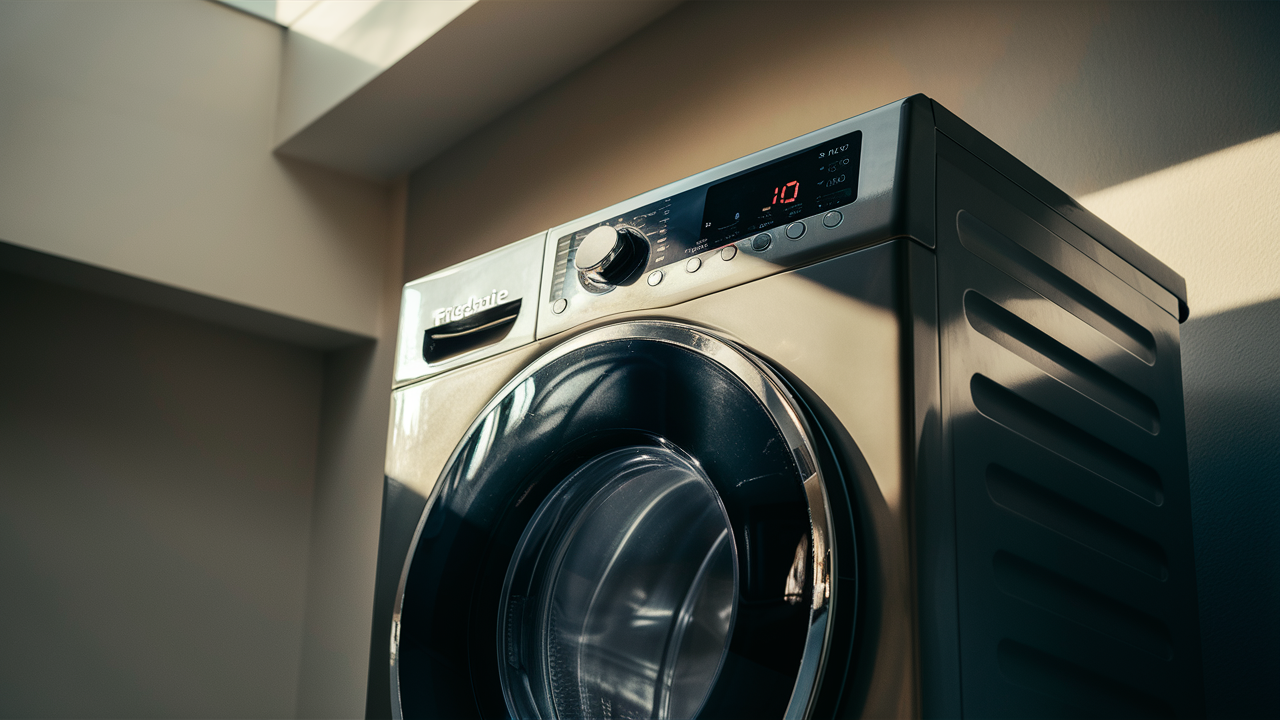
When your Frigidaire washing machine displays the dreaded Error Code 10, it’s time to get digging into the diagnostics. This common error indicates a water filling issue, which could stem from many possible problems from restricted water flow to faulty components like the inlet valve or pressure sensor. Let’s walk through the systematic troubleshooting steps to isolate and fix the cause.
Causes of Error Code 10
Error Code 10 on a Frigidaire washing machine indicates there is an issue with the water filling properly. There are several possible causes for this error:
Restricted water flow
The first thing to check is if water is being restricted from entering the washer. Here are some common reasons why this can happen:
- Are the hot and cold water taps fully open? Make sure the knobs are turned all the way.
- Check for kinks or clogs in the inlet hoses that connect to the washer. Straighten any kinked hoses.
- Is debris blocked in the inlet screens where the hoses connect? Unscrew the inlet screens and clean out any grit or buildup.
Low water pressure
If the water taps are on fully but the water is still filling slowly, the issue may be low water pressure to the machine.
- Water pressure should be at least 30 psi for proper fill times.
- With lower pressure, it takes longer to fill the drum, which can cause Error Code 10.
- You may need a plumber to inspect the home’s water pressure.
- Installing a water pressure booster pump can also help increase pressure.
Faulty water inlet valve
The water inlet valve controls water flow into the washer. A problem with this valve can definitely cause Error Code 10:
- Disconnect power to the washer and see if water still flows when the machine is off. If so, the inlet valve is stuck open.
- Make sure to shut off the water supply lines before replacing the water inlet valve.
- Once the new valve is installed, test it by running a full wash cycle.
Malfunctioning pressure sensor/switch
The pressure sensor monitors the water level. Issues here can affect filling:
- Use a multimeter to check the pressure switch/sensor’s electrical continuity between terminals. Compare readings with air pressure versus no air pressure.
- Readings should be opposite with and without air pressure. If not, the switch/sensor is faulty.
- After replacing the pressure sensor, reconnect all tubes and wires properly.
Issues with control board timing
- The control board manages the timing of all cycles, including the fill process.
- If all other parts check out okay, the control board could be malfunctioning.
- Locate the washer’s control board model number before replacing. Transfer any cycle settings to the new control board.
- Test with a full wash cycle after installing a new control board.
Troubleshooting Steps
If your Frigidaire washer is displaying Error Code 10, there are a series of troubleshooting steps you can take to try to resolve it. Let’s walk through them one by one:
1. Check the incoming water supply
First, we need to look closely at the water supply to the washing machine:
- Make sure the hot and cold water taps are fully turned on. Try giving them an extra turn to be sure they are completely open.
- Inspect the inlet hoses that connect to the washer for any kinks or clogs. Straighten out any kinked hoses.
- Remove and clean out any debris that may be caught in the inlet screens where the hoses connect.
2. Test the water pressure
If the taps are on all the way but the fill seems slow, low water pressure could be the issue:
- Use a pressure gauge to test the home’s water pressure. It should be at least 30 psi for proper washer fill times.
- Contact a plumber if your home’s water pressure is too low. They can inspect for issues.
- Consider installing a water pressure booster pump if pressure is low. This can help increase fill times.
3. Inspect the water inlet valve
The water inlet valve may need to be replaced if it’s faulty:
- Disconnect power to the washer. If water still flows into the machine with the power off, the inlet valve is stuck open.
- Shut off the water supply lines before attempting to replace the water inlet valve.
- Once installed, test it out by running a full wash cycle.
4. Test the pressure sensor switch
The pressure sensor that monitors fill levels may be malfunctioning:
- A multimeter will be used to test the electrical continuity between the sensor’s terminals. Compare readings with and without air pressure.
- Readings should be opposite with and without pressure. If not, the switch is faulty.
- Reconnect all tubes and wires properly after installing a new pressure sensor.
5. Check the control board
If all other parts check out, take a look at the control board:
- The control board manages the timing of all cycles and functions.
- If needed, replace the control board. Make sure to locate the correct model number.
- After installing the new board, transfer any saved cycle settings.
- Run a test cycle to check performance.
6. Reset the washing machine
Resetting can clear error codes and reset components:
- Unplug the washer for 1 minute, then plug it back in. This clears any error codes.
- Check if Error Code 10 returns after resetting. If so, further troubleshooting is needed.
- Try resetting again after any repairs or troubleshooting steps.
7. Test the washer
Once any fixes or replacements are made, always test the following:
- Run a full cycle to verify the error code does not come back on.
- Check for any leaks with the new parts installed.
- Repeat test cycles as needed, trying different settings.
Also Read: F01 Frigidaire washer error code: A troubleshooting guide
Related guides
- Troubleshooting GE Washer E22 Error Code: DIY Fixes
- Troubleshoot Whirlpool Washer F/dL Error Code
- Troubleshooting Guide: How to Fix the F0 E5 Unbalanced Load Error on a Whirlpool Washer
Conclusion
Error Code 10 on your Frigidaire washer indicates a problem filling with water. There are several possible causes to check:
- Restricted or low water flow
- Issues with the water inlet valve
- A malfunctioning pressure sensor
- Problems with the control board
First, thoroughly inspect your water supply and taps. Make sure they are fully open, and inlet screens are clean.
Test your home’s water pressure. Low pressure can lead to slow fill times and cause Error Code 10. Installing a booster pump can help if pressure is too low.
The water inlet valve may need replacement if it sticks open when the power is off. Be sure to shut off the water supply before removing it.
Use a multimeter to test the pressure sensor switch. Replace it if the readings are inconsistent.
If all else checks out, the control board may be timing and controlling the cycles incorrectly. Swap it out for a new one.
After any fixes, be sure to test-run the washer fully. Check for leaks and rerun cycles if needed.
Resetting the washer can also help clear error codes after repairs are made.
With some targeted troubleshooting and testing, you should be able to resolve Error Code 10 on your Frigidaire washing machine.
The last step is the part itself: match a washer inlet valve parts to your model number rather than to a photo or a part name.