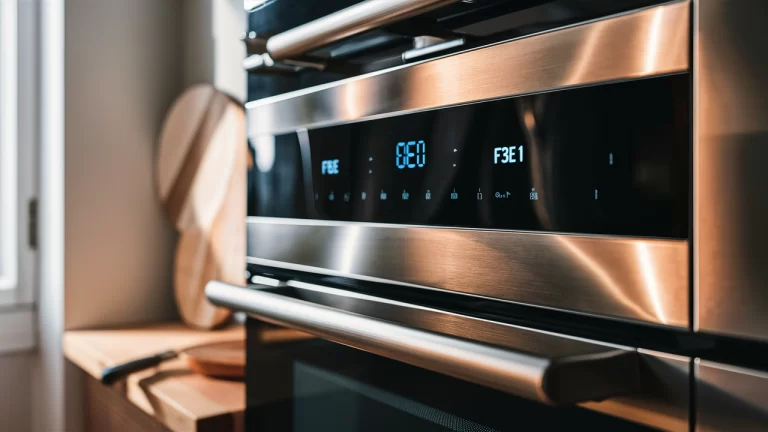
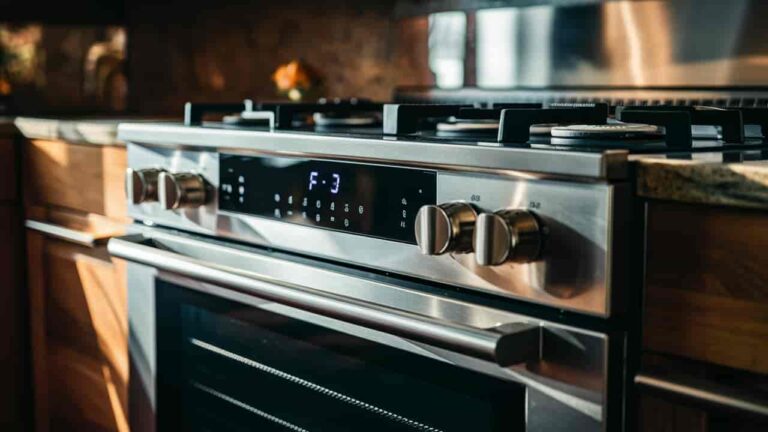
When your LG oven starts flashing an “F10” error code, it’s telling you there’s a problem with the crucial door locking system. This can be frustrating since it means your oven won’t function properly until the issue is resolved. Fortunately, tracking down what’s causing the F10 error and fixing it doesn’t have to be too difficult.
This troubleshooting guide will walk you through some of the key components that may be to blame, like the door latch assembly, lock switch, or wiring connections. By methodically checking each part, you can diagnose the problem area and get your oven cooking again in no time.
Quick diagnosis table
The latch and switch checks cost nothing, so run those before you consider the control board.
| Symptom detail | Likely cause | What to check | Fix or part |
|---|---|---|---|
| F10, door will not close flush | Bent door latch | Close door, check alignment | Bend latch back or replace assembly |
| F10, oven thinks door is open | Failed door lock switch | Multimeter test on the switch | Replace door lock switch |
| F10, door never locks on Start | Failed latch motor or loose wiring | Wiggle wires, check motor connections | Reseat wires or replace motor |
| F10, wiring cracked or cut | Damaged wiring harness | Continuity test on each wire | Replace wiring harness |
| F10, burnt spots on board | Damaged main control board | Inspect board for corrosion or burns | Clean with alcohol or replace board |
Possible Culprits Behind the F10 Error Code
When your LG oven shows the F10 error code, it means there’s a problem with the door lock system. Let’s walk through some parts that could be causing this issue. Knowing the problem area can help you troubleshoot faster.
The Door Latch Assembly
What does this part do? The door latch assembly is the metal piece that grabs onto the oven when you close the door. It locks the door shut while the oven is on.
Where is it located? You’ll find the latch on the front edge of the oven, near the door hinge.
What could go wrong? If the latch is bent, the door can’t close properly. A faulty motor or switch in the assembly might prevent the latch from locking.
The Door Lock Switch
Why is this part important? The lock switch tells the oven if the door is shut. If the switch fails, the oven thinks the door is always open. This triggers the F10 error code.
What issues can occur? The switch might not engage when the door closes. Or the switch could malfunction for no clear reason. Either way, the oven won’t start cooking.
The Door Latch/Lock Motor
What’s the motor’s job? This motor controls the latch assembly. When you press Start, the motor locks the oven door. It unlocks the door when the cooking finishes.
What problems can happen? The motor could fail completely. Or loose wiring could prevent electrical signals from reaching the motor. In both cases, the door won’t lock properly.
The Main Control Board
How does the board control the oven? The control board is the oven’s brain. It handles all the electrical signals to components like the lock motor and heating elements.
What are some issues? A damaged control board could send the wrong signals to the lock system. Loose or corroded connections on the board can also disrupt electrical circuits.
Troubleshooting Your LG Oven’s F10 Error Code
Let’s walk through how to diagnose and fix the F10 error step-by-step. Follow these troubleshooting tips to get your oven working again.
A. Gather Tools and Supplies
You’ll need:
- Phillips and flathead screwdrivers
- Needlenose pliers
- Multimeter for testing electrical circuits
- Gloves for safety
- Replacement parts like new latches or control boards
Got all that? Great, now let’s start troubleshooting.
B. Inspect the Door Latch Assembly
First, check if the latch is bent or damaged. Try closing the door – does it seem aligned? If needed, gently bend the latch back into shape.
If that doesn’t work, the whole latch assembly may need replacing. This isn’t too hard to do yourself.
C. Check the Door Lock Switch
This small switch plays a big role. Use the schematics in your user manual to locate it.
Test it with a multimeter. If it’s faulty, install a new switch. Just be gentle when disconnecting the wires.
D. Inspect the Wiring
Are all wires fully plugged in? Check for loose connections by gently wiggling wires. Press wires firmly into their terminals to reconnect.
Examine wiring for damage. If the plastic is cracked or wires are cut, the whole wiring harness will need replacement.
E. Test for Electrical Continuity
Use your multimeter to check if electricity can pass uninterrupted through each wire. If not, replace damaged wires.
F. Inspect the Control Board
Remove the main control board and look for burnt spots or damaged connectors. Clean any corrosion with rubbing alcohol.
Press all wire connectors firmly into the board. If needed, replace the control board completely.
Related guides
Found the faulty part? Find the exact oven control board for your model number.
Wrapping Up an F10 Error Code Repair
We’ve covered a lot of ground troubleshooting an LG oven’s F10 error code. Let’s recap what we learned before wrapping up:
Recapping the Troubleshooting Steps
- Inspect the door latch assembly and bend it back into shape or replace if needed
- Check the door lock switch for proper operation and replace it if it is faulty
- Examine all wiring connections and test for electrical continuity
- Assess the main control board condition – clean corrosion or replace if damaged
- Test oven operation thoroughly after repairs to confirm the F10 is resolved
Got all that? By methodically working through these steps, you can diagnose what’s causing the F10 error and fix it.
Why It’s Important to Fix This Error Promptly
While not dangerous, an unresolved F10 code can be a headache:
- The oven won’t operate at all, preventing you from cooking meals.
- The constant error message is annoying and ruins the smooth user experience.
- It could indicate worn parts that may fail completely later on.
- Electrical issues left unchecked can potentially worsen over time.
So don’t ignore that F10 message – take action to get your LG oven fully operational again!
With the cause confirmed, order the range oven oven control board parts for your exact model and keep the old part until the repair has passed a full cycle.