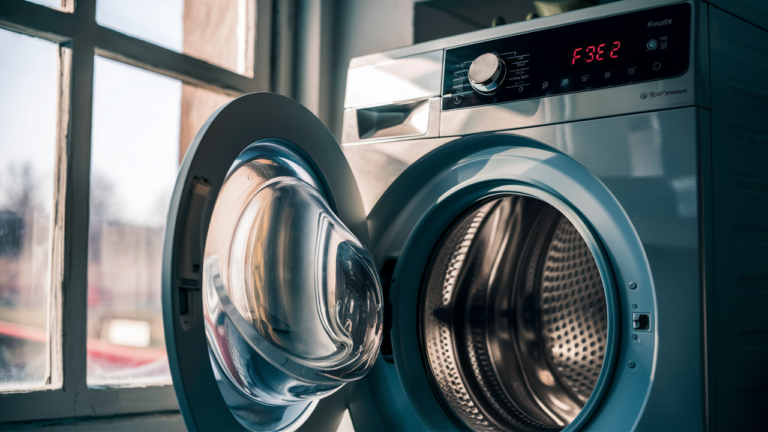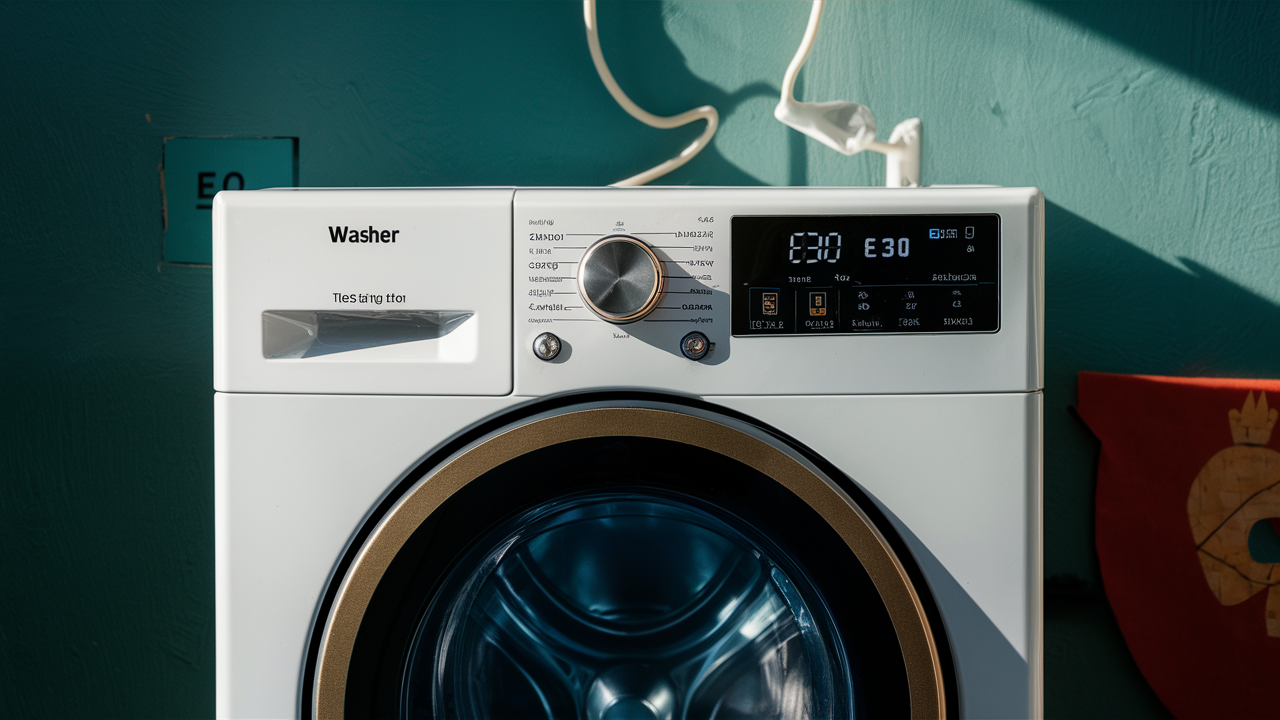
Dealing with an E30 error code on your GE front-load washer? Don’t worry, help is here. This troubleshooting guide will walk you through diagnosing and resolving common drainage issues that can cause the E30 code. From carefully inspecting the drain pump for blockages to testing electrical components with a multimeter, these steps will methodically identify the root problem. Arming yourself with the right knowledge means saying goodbye to that frustrating E30 error for good.
Troubleshooting an E30 Error Code on a GE Front-Load Washer
Seeing an E30 error pop up on your GE front-load washer? Don’t stress – this repair guide will walk you through how to diagnose and fix the problem. An E30 code indicates there is some kind of drain issue that is preventing your washer from operating correctly.
Let’s explore the possible causes and solutions for an E30 error in depth:
Thoroughly Check the Pump System for Clogs
The first place to look when an E30 code appears is the drain pump. Buildup of lint, dirt, debris and other gunk is a common source of clogged pumps. Start your investigation here.
To properly inspect for blockages:
- Unplug the washing machine from the power source. Safety first!
- Locate the drain pump filter. On most GE washers, this removable filter is at the bottom front.
- Pull out the filter and shine a flashlight inside the opening. Peer down into the pump cavity.
- Check the filter itself for any lint, coins, buttons, socks, or other debris. Give it a good shake and use tweezers or tongs to remove anything stuck inside.
- Also use your flashlight to inspect inside the pump impeller opening. Rotate the impeller blades manually to check for obstructions.
- Examine along the full length of the drain hoses too. Kinks in the hoses can block water flow.
- Reattach the cleaned-out filter once your inspection is complete.
- Plug the washer back in and test run a cycle. The E30 may clear after you remove any discovered blockages.
Take your time and carefully eyeball the pump filter, impeller, and hoses. Even a small stuck item can disrupt water drainage and cause an E30 error code. Finding and removing any debris is an easy fix.
Use a Multimeter to Test the Drain Pump Motor
If the E30 error persists after a thorough pump cleaning, the next step is testing the pump motor with a multimeter. Problems with the motor that prevent proper drainage will trigger this code.
When testing pump motor resistance:
- Unplug the washer again for safety.
- Locate the electrical connection wires or wiring harness for the drain pump.
- Set your multimeter to resistance or ohms setting, usually indicated by the omega symbol.
- Touch the multimeter probes to the pump motor wires or terminals.
- Read the resistance measurement on the multimeter display.
- For GE branded washers, acceptable pump resistance is approximately 10.6 ohms.
- If the reading you get is significantly higher or lower than that, the pump motor likely needs to be replaced.
- Order and install a manufacturer-approved replacement drain pump assembly kit.
Checking the electrical resistance guides you in determining if power is correctly flowing through the motor windings. Wide variances signal a bad pump necessitating replacement.
Verify Power is Reaching the Pump Motor
If the pump motor tests fine, the next area to troubleshoot is power supply to the pump. An electrical connection issue can prevent voltage from reaching the pump motor and lead to the E30 error.
Here’s how to check the pump power:
- With the washer unplugged, enter diagnostics mode by pressing certain buttons on the console – check your model’s manual for the exact buttons. Diagnostics displays any error codes.
- With your multimeter on voltage setting, touch the probes to the pump motor wires or connectors.
- If voltage is present, then power is reaching the pump and the issue lies with the pump itself. Replace it.
- If voltage reads zero, there is a problem with the power supply:
- Recheck wire harness connections to the pump and control board. Make sure they are firmly plugged in.
- Inspect the length of the wire harness for damage like cuts or pinch points.
- Check that full 120V power is reaching the control board from the power cord.
- Test the control board for any defects that might disrupt power output.
- Repair or replace any damaged wires, connectors, or defective control boards that could block voltage delivery.
Lack of power points to an electrical issue impacting the pump motor. Check all connections and components.
Take it slow and be methodical as you work through these troubleshooting steps. Testing systematically will lead you to the root cause of an E30 error code. Resolving drain pump problems restores your GE front load washer to smooth operation.
Preventing E30 Drain Issues with Your GE Washer
Got your GE washer functioning again after an E30 error code? Awesome! Now let’s talk about some tips to help prevent future drain problems.
Taking proactive steps can help avoid E30 codes and keep your washer running smoothly.
Regularly Inspect and Clean the Drain Pump
The number one prevention measure is to frequently check and clean the drain pump system.
- Get in the habit of removing and rinsing the drain filter once a month.
- Check the pump impeller for lint buildup at least every 3 months.
- Examine drain hoses periodically for abnormalities.
Catching debris early prevents major clogs that lead to E30 codes. A clean pump equals a properly draining washing machine.
Keep Harmful Items Out of the Pump
You can also avoid E30 errors by keeping problematic items away from the washer.
- Empty pockets before laundering clothes. Loose change, balled up tissues, and other items wind up in pumps.
- Use garment bags for small items like socks that may get pulled into the pump.
- Avoid washing fabrics that produce heavy lint like bath mats.
- Never wash items with loose buttons, hooks, or zippers that can break off into the pump.
Being mindful of what goes in the washer means less chance of jams.
Use Manufacturer Recommended Parts
Do you need to replace your drain pump or hoses? Using the manufacturer’s exact replacement part keeps your washer running optimally.
Generic or used parts don’t always function properly in GE washers. Installing the right pump and hoses prevents future E30 codes.
Connect Wire Harnesses Correctly
If you disconnect any wire harnesses when servicing your washer, be diligent about reconnecting them properly. Faulty harness connections interrupt power delivery and cause electrical issues like E30 errors.
Take pictures or draw diagrams before unplugging wires. This helps you reconnect everything accurately. Verify the harness is firmly plugged in.
Follow these prevention tips and you can avoid the dreaded E30 code. A clean, well-maintained washer means no annoying drain issues.
Related guides
- Fixing E21 Error Code on Electrolux Washers
- Samsung Washer OE Error: Quick Fixes and Prevention Tips
- Troubleshooting Guide: How to Fix the F0 E5 Unbalanced Load Error on a Whirlpool Washer
Wrapping Up E30 Error Troubleshooting
Dealing with an E30 error code on your GE front-load washer can be frustrating. But don’t worry – you’ve got this! By methodically working through troubleshooting steps, you can figure out what’s causing the drain issue. Clearing pump blockages, testing parts with a multimeter, and checking connections are key to diagnosing the problem.
Once you’ve identified the specific component failure, you can take action to fix it. In many cases, a simple repair like replacing the drain pump or tightening a wire harness restores normal operation. To avoid future E30 errors, be proactive with preventive maintenance. Regularly clean the pump filter and inspect hoses. Keep harmful debris out of the washer. Use manufacturer recommended replacement parts when servicing. And always reconnect wire harnesses correctly.
Troubleshooting and repairing an E30 error might seem difficult. But by following the guidance in this article, you can master the process. Soon you’ll have your GE front-load washer draining properly and running quiet and smooth once again.
With the cause confirmed, order the washer drain pump parts for your exact model and keep the old part until the repair has passed a full cycle.