Dealing with a cryptic E23 error code on your GE washing machine? Don’t worry, this guide will walk you through troubleshooting the issue step-by-step. We’ll explore the common causes behind E23 errors and provide tips to diagnose problems with the water level sensing system. You’ll learn how to check parts like the water valves, pressure switch, and drain pump to pinpoint where the fault lies. With a few simple tools and tests, you can get to the bottom of the E23 code and resolve it. We’ll also provide preventative maintenance advice to help avoid frustrating E23 errors going forward. Read on to get your GE washer draining and washing properly again.
Understanding the E23 Error Code
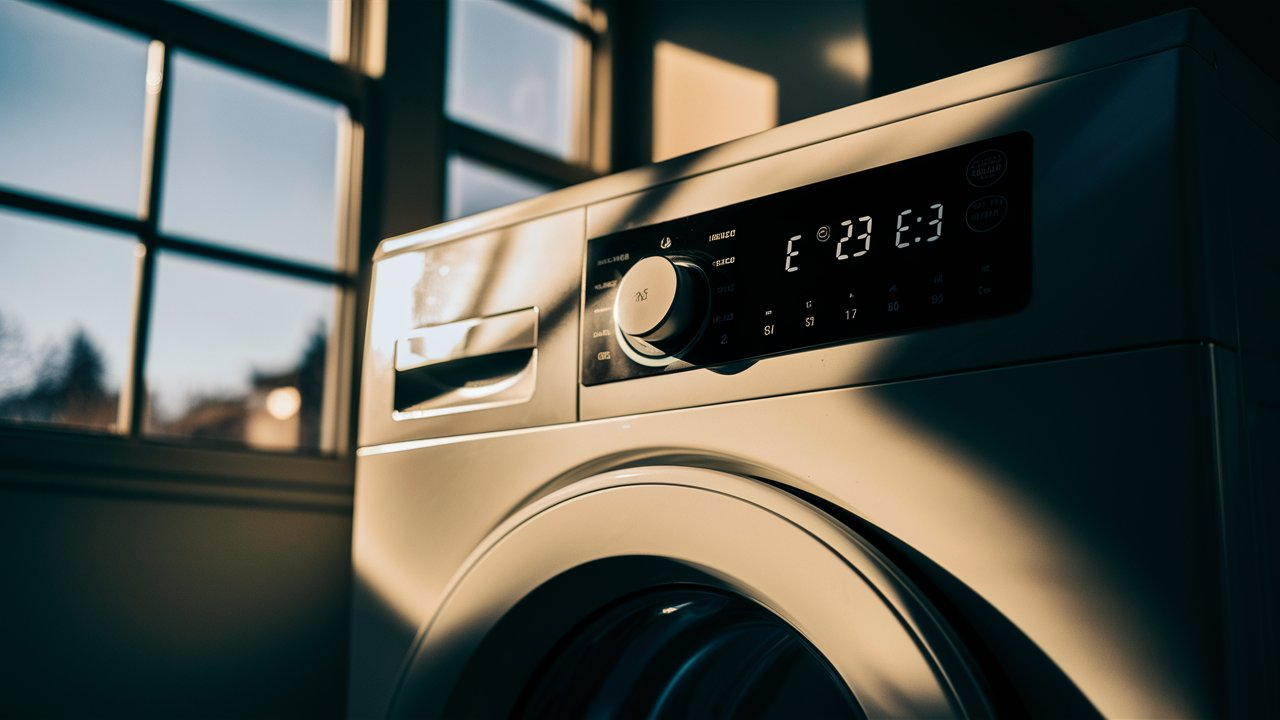
The E23 error code tells you there’s a problem with the foam water level switch in your GE front-load washer. This switch helps control the amount of water that enters the tub. When it’s not working right, the washer thinks the tub is empty when it’s full or vice versa. This tricks the washer and causes the E23 code to pop up.
A. What is the foam water level switch?
The foam water level switch is a little part that sits at the top of the washer tub. It’s made of foam with a tube running through it. As the tub fills, water rises up the tube and compresses the foam. This closes an electrical circuit and signals the washer that the right water level is reached. If the foam gets too worn out or the tube gets clogged, it can’t give the right readings.
B. Which GE washers might show the E23 code?
The E23 issue mostly happens with GE’s front-loading washer models. Some examples are the GE GTW460, GTW485, GTW680, GTW720, and GTW860 series washers. However, the code could show up on other GE models too.
C. Should you check the diagnostic sheet for your model?
Yes, absolutely! Every washer model has its own diagnostic sheet from GE. This gives extra details about error codes and troubleshooting tips just for your machine. So make sure to look up the sheet for your specific model – it can save you time and hassle. The sheets are easy to find online on GE’s website.
Let’s move on to what causes the E23 problem in the first place. Knowing why it happens will help you fix it faster.
What Usually Causes the E23 Error?
There are three main things that can cause the E23 error to pop up in your GE washer. Let’s look at each one:
1. Imbalanced loads and too much vibration
Do you cram as many clothes as possible into each load? Do some wash cycles seem louder than others? An uneven load that shakes and vibrates the washer a lot can make the E23 code show up.
Here’s why: That crazy shaking can damage the foam water level switch over time. If the foam gets too compressed or the tube comes loose, the switch can’t tell how much water is in the tub properly. The washer gets confused and thinks the E23 error is happening.
So be sure to spread out clothes evenly and not overload the tub. That helps prevent too much vibration during washing.
B. Faulty water valves
Problems with the hot and cold water valves can also lead to E23 issues. If either valve sticks open, water will keep flowing into the tub when it shouldn’t. Then the foam switch gets overloaded and can’t read the levels right.
Check the water valves closely if you see the error code. Make sure no debris is stuck in the valves and that they shut off water flow completely when they should.
C. Broken pressure switch
There’s also a pressure switch near the foam level switch at the top of the washer tub. If the pressure switch malfunctions, it may send wrong signals to the water valves and confuse the level-sensing system. This can trigger the E23 code too.
Inspect this pressure switch and test it if you see the error. Make sure the contacts are working and readings are normal.
How to Troubleshoot the E23 Error Step-by-Step
Figuring out what’s causing an E23 code can be frustrating. But don’t worry – we’ll walk through each troubleshooting step so you can diagnose and fix the problem. Let’s get started!
Step 1: Check the Washer Load
The first thing to check is whether an unbalanced load is making the washer vibrate too much.
- Put 3-4 medium-sized towels or shirts into the washer tub.
- Start a Normal cycle and let it run for a few minutes.
- Does the tub seem to shake and vibrate excessively?
If so, the E23 code may be caused by all that vibration messing up the foam water level switch. Try rearranging the load to be more balanced and run the test cycle again.
- If the vibrating and E23 error went away, you found the problem! Be more careful balancing loads from now on.
- If it still shakes a lot and shows the error code, move on to the next steps. The issue is something else.
Step 2: Thoroughly Inspect the Water Valves
The next most likely cause is a malfunctioning hot or cold water valve. Check both valves closely:
- Make sure the valve screens are clear of any debris. Remove the hoses and shine a flashlight inside to double check.
- Manually activate each valve in service test modes t08 and t09. Do you hear any water leaking or flowing when the valves should be off?
- With the washer unplugged, try manually opening and closing each valve. They should click smoothly into a fully open and fully closed position.
- Use a multimeter to measure the electrical resistance of each valve solenoid. Consult your model’s service manual for the correct ohm range.
If any valve fails these tests, replace the entire valve assembly right away. Water valves are relatively inexpensive and easy to swap out. This will very likely fix an E23 error.
Step 3: Test the Pressure Switch
The pressure switch is part of the water fill sensor system. If it malfunctions, it can cause E23 issues. Here’s how to test it:
- Enter service test mode and start a tub fill test. Watch the display closely – the water level readings should match the amount of water filling up the tub.
- Remove the pressure switch tube and shine a flashlight inside. Make sure there’s no debris clogging it up.
- Use a multimeter to check the electrical contacts inside the switch while toggling it open and closed. Look for abnormal readings or no readings at all.
If the pressure switch checks out okay, move on to the drain pump and drain system. If the switch seems faulty, replace it right away.
Step 4: Thoroughly Check the Drain Pump
Issues with the drain pump can indirectly cause E23 problems too. Here’s how to test it:
- Enter service test mode and start the drain pump test. Allow the tub to drain completely.
- Remove the drain pump filter cover and clean out any debris, coins, socks etc. stuck inside.
- Disconnect the drain pump and check that the impeller spins freely. Shine a flashlight inside to inspect for clogs.
- Use a multimeter to test the electrical windings of the drain pump motor. Consult your service manual for the correct resistance range.
- Reinstall the pump if testing checks out okay. If readings are off or the impeller is jammed, replace the entire pump assembly.
Step 5: Inspect the Entire Drain System
Clogs or kinks anywhere in the drain hoses or standpipe can back up water in the tub. This messes with the water level sensing.
- Remove the drain pump filter housing again and make sure it’s totally clear inside.
- Follow each drain hose from the tub to the outlet at the standpipe. Check for any kinks or cracks that could block drainage.
- Examine the standpipe carefully. Make sure it’s at least 18-30 inches high and 1.5-2 inches in diameter. Look for any blockages inside the pipe inlet.
- Use a pipe cleaner or water pressure to clear out any gunk in the standpipe.
Fix any drain issues you find to allow proper water drainage and tub filling.
Last Resort – Control Board Replacement
If you’ve checked everything else thoroughly and the E23 persists, the water level control board or main control board may need replacement. This requires disassembling the washer top and some reprogramming. It’s best left to a professional appliance repair technician.
Tips to Avoid E23 Errors Going Forward
Now that you’ve fixed your GE washer’s E23 problem, let’s talk about how to prevent it from happening again. A little maintenance and extra care when using your washer can go a long way.
Load the washer properly
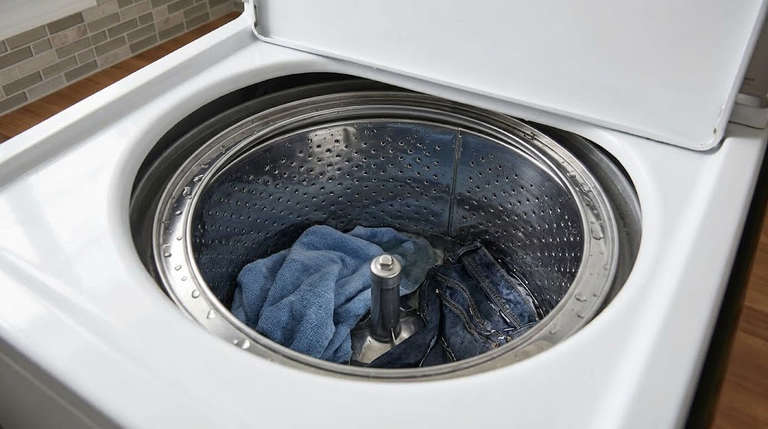
Be sure to spread heavy items like towels and jeans around the tub evenly. Don’t just throw everything into a pile. That leads to vibrating and shaking during the wash cycle, which can damage the water level switch over time. Take a few extra seconds to balance out your loads. Your washer will run better and you can avoid E23 errors.
Clean the washer regularly
Over months of use, dirt and grime can build up in parts like the water valves, pressure switch, and drain pump. Giving your washer occasional deep cleans keeps everything running smoothly.
- Once a month, run a hot wash cycle with bleach or vinegar to sanitize the tub.
- Use a toothbrush to scrub debris from the valve filters and drain pump filter.
- Check that drainage flows freely through the hoses.
Regular cleaning like this prevents residue buildup that can lead to E23 issues.
Pay attention to any new noises or problems
Keep your ears open when using your washer. If you hear odd new sounds or notice other issues, don’t ignore them. They could be signs of upcoming trouble.
For example, listen for water leaking or trickling when the valves should be shut off. That’s an indication the valves need attention. Or clunking noises could mean an obstruction in the drain pump.
Catching small problems early keeps them from turning into E23 errors. Your vigilance helps prevent headaches down the road!
When to Call an Appliance Repair Technician
Doing a bit of troubleshooting yourself can fix many E23 errors. But in some cases, it’s best to leave repair to a trained appliance pro. Here’s when to call for backup:
If DIY troubleshooting doesn’t work
You’ve tried all the steps above, but the frustrating E23 code keeps happening. At this point, it’s time to bring in an expert. An appliance tech can diagnose deeper issues that may be trickier to detect on your own.
If you’re not comfortable doing repairs
Some fixes like replacing valves or pumps require disconnecting hoses and wiring. If you don’t have experience with appliance repairs, it makes sense to call a pro. They can get your washer safely up and running again.
If the washer is still under warranty
GE washers come with 1-year warranties on parts and labor. If your machine is still covered, GE will repair it for free or at a big discount. Just call GE support and schedule a service appointment. Make sure to have your model number and serial number handy when you call.
Appliance techs have specialized tools, extensive training, and experience fixing washers day in and day out. If you’re unsure about tackling an E23 repair yourself, don’t hesitate to call for professional assistance. It will give you confidence the job is done right!
Related guides
- How to Troubleshoot and Fix an E11 Error Code on Your Electrolux Washer
- A Guide to Troubleshooting the Whirlpool Washer SUD Error Code
- Troubleshooting the F5 E2 Error Code on Whirlpool Washers: Causes and Step-by-Step Repair Guide
Final Thoughts
Dealing with an E23 error code in your GE washer can be frustrating. But hopefully this article gave you a better understanding of what causes it and how to get your washer running properly again.
The main points to remember are:
- E23 means there’s an issue with the water level sensing system.
- Imbalanced loads, faulty valves, or a bad pressure switch are common causes.
- Carefully follow the troubleshooting steps to diagnose the specific problem.
- Prevent future E23 errors by loading properly, cleaning regularly, and addressing problems early.
- Consider calling a professional if DIY fixes don’t work or you’re uncomfortable making repairs.
Take your time, stay safe, and don’t force anything while troubleshooting. With some persistence, you can track down the E23 issue and get your GE washer back to washing clothes smoothly.
With the cause confirmed, order the washer drain pump parts for your exact model and keep the old part until the repair has passed a full cycle.